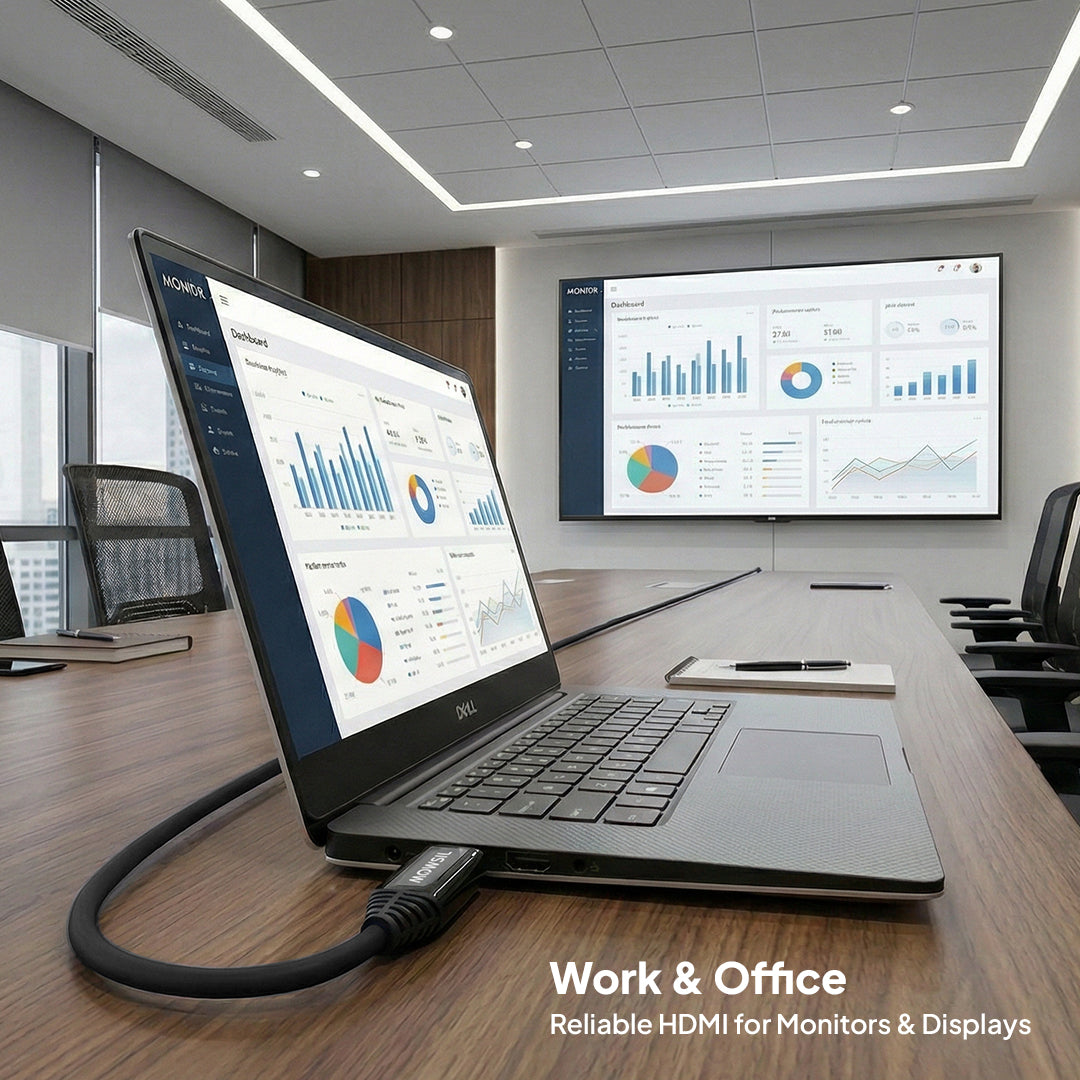
The MOWSIL 8K HDMI 2.1 Active Optical Cable is designed for AV installations where source devices and displays are positioned far apart. Before choosing a cable length or planning your setup, consider the following installation and compatibility requirements.
Installation Guidelines
Connect the Cable in the Correct Direction
This active optical cable uses a directional connection. Connect the end labelled Source to the HDMI output of your source device and the end labelled Display to the HDMI input of your television, projector, or monitor. Reversing the connections may prevent the cable from working correctly.
Measure the complete distance between your devices before selecting a length. Account for cable routing through walls, ceilings, conduits, or equipment racks, along with sufficient slack for connections. Avoid sharp bends, crushing, or excessive pulling during installation.
Check Intermediate Equipment
If your setup includes an AV receiver, HDMI switch, splitter, or other intermediate device, verify that it supports the required signal format and features. The overall system performance depends on the capabilities of every device in the connection chain.
Compatibility Considerations
Verify Supported Features Across Your Setup
To use advanced video and audio features, check the specifications of your source device, display, and any intermediate equipment. A compatible cable alone cannot enable features that the connected devices do not support.
Understand Backward Compatibility
When connecting older HDMI equipment, the available performance will depend on the capabilities of the connected devices. Using this cable with an older HDMI version does not upgrade the equipment to newer HDMI standards or add unsupported features.
Before You Purchase
- Confirm the required length: Choose a cable that accommodates your installation route.
- Check the connection direction: Ensure the source and display ends can reach their respective devices.
- Verify equipment compatibility: Check the required resolution, refresh rate, and audio features across your complete setup.
- Plan the installation: Consider access to connection points and the cable route before installing it through walls or ceilings.