Skip to content
Skip to product information
1 of 9

In stock

View datasheet
SKU MOCHB12 USB-C Hubs

Mowsil 12-in-1 USB-C Hub

Upgrade your connectivity with this versatile 12-in-1 USB-C Hub, designed to simplify multitasking and expand your device capabilities.


Engineering & functional highlights

  • 12-in-1 Multiport Connectivity
  • Dual 4K HDMI Display Support
  • 100W Power Delivery Fast Charging
  • 5Gbps High-Speed USB 3.0 Transfer
  • Triple Display Expansion Mode
  • Gigabit Ethernet RJ45 Port
  • SD/TF Card Reader Support
  • Premium Zinc Alloy Build
  • Durable Braided USB-C Cable
  • Plug & Play Universal Compatibility
  • Efficient Heat Dissipation Design
  • 2-Year Replacement Warranty

Technical specifications

ModelMOCHB12
Host ConnectionUSB-C with 15cm braided cable
Ports (12)4 × USB 3.0, 2 × HDMI, 1 × VGA, 1 × Gigabit LAN (RJ45), 1 × SD card slot, 1 × TF (microSD) card slot, 1 × 3.5mm audio jack, 1 × USB-C PD charging input
USB Data SpeedUp to 5Gbps (USB 3.0)
HDMI OutputUp to 4K resolution on each HDMI port
Display ModesDual and triple display (HDMI + HDMI + VGA), depending on the host device
EthernetGigabit RJ45
Power DeliveryUSB-C PD pass-through charging up to 100W
HousingZinc alloy shell with tempered glass finish
Dimensions17.00 cm × 5.00 cm × 1.10 cm
Weight0.090 kg
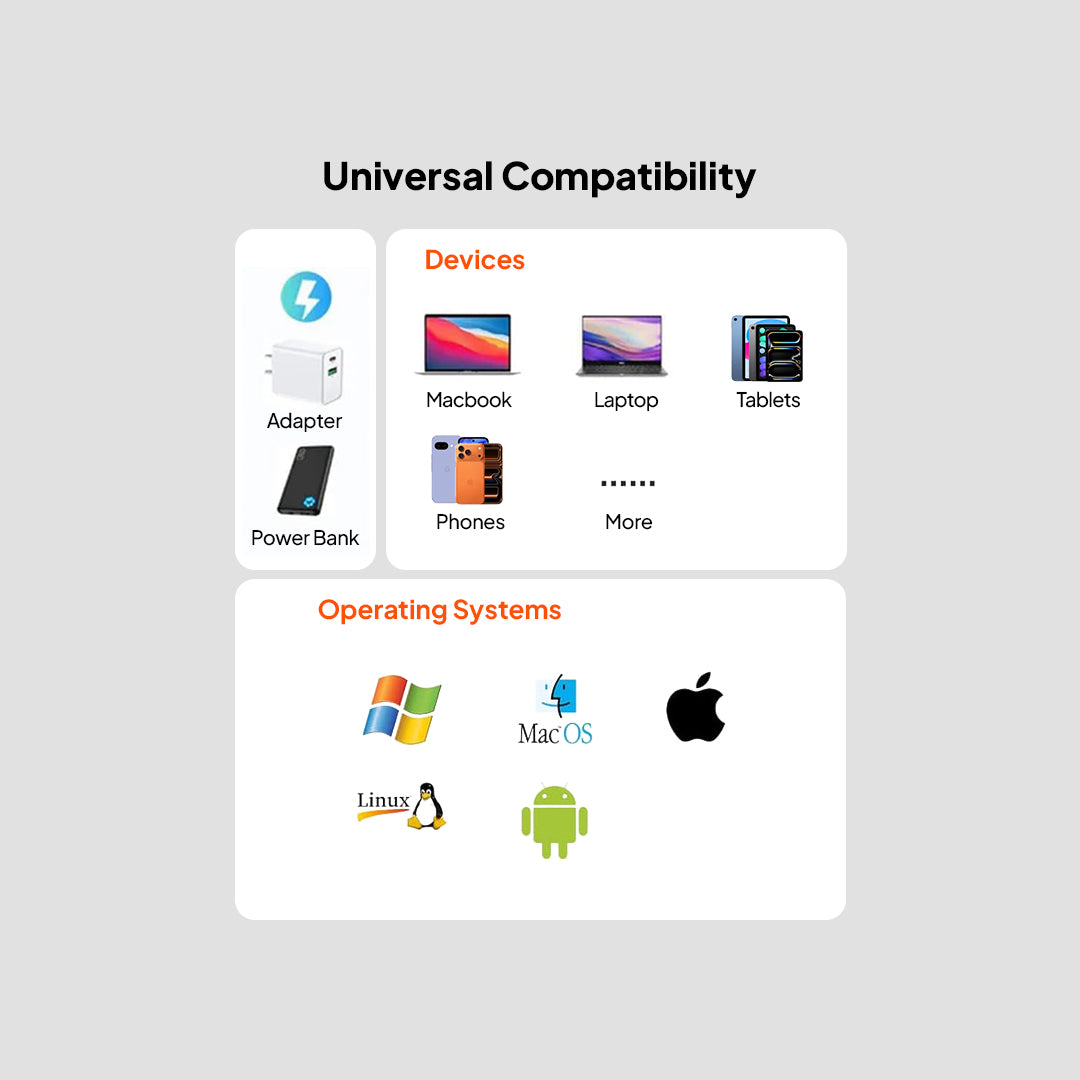
Compatible SystemsWindows, macOS, Linux, Android, ChromeOS
Compatible DevicesUSB-C laptops, tablets and phones, including MacBook, iPad Pro, Surface, Chromebook and Galaxy
InstallationPlug and play
Warranty2-year replacement warranty
View full details

Mowsil 12-in-1 USB-C Hub

Upgrade your connectivity with this versatile 12-in-1 USB-C Hub, designed to simplify multitasking and expand your device capabilities. Featuring 4 USB 3.0 ports with 5Gbps high-speed data transfer, dual HDMI… Read full description Show less

Upgrade your connectivity with this versatile 12-in-1 USB-C Hub, designed to simplify multitasking and expand your device capabilities. Featuring 4 USB 3.0 ports with 5Gbps high-speed data transfer, dual HDMI ports supporting up to 4K resolution, VGA output, Gigabit LAN/RJ45, SD/TF card readers, a 3.5mm audio jack, and USB-C PD charging up to 100W, it is perfect for connecting monitors, external drives, keyboards, mice, and other accessories. Built with a premium zinc alloy shell and tempered glass finish for efficient heat dissipation, the hub also includes a durable 15cm braided cable for long-lasting everyday use. Supporting triple-display modes with crystal-clear visuals, this plug-and-play hub is compatible with laptops, tablets, and smartphones featuring USB-C, including MacBook, iPad Pro, Surface, Chromebook, and Galaxy devices across Windows, macOS, Linux, and Android platforms. Backed by a 2-year replacement warranty for added peace of mind.

Mowsil 12-in-1 USB-C Hub
Mowsil 12-in-1 USB-C Hub — Transfer and charging ports
Mowsil 12-in-1 USB-C Hub — USB peripheral connections
Mowsil 12-in-1 USB-C Hub — SD and microSD card reader
Mowsil 12-in-1 USB-C Hub — Entertainment and media streaming
Mowsil 12-in-1 USB-C Hub

Additional information

How USB-C Hubs Work

A USB-C hub expands the connectivity of a device by routing different types of connections through a single USB-C port. Depending on the hub and host device, this connection can carry data, video, and power.

However, not every USB-C port supports all these functions. The capabilities of the connected device determine which hub features are available.

Understanding USB-C Display Output

USB-C video output commonly uses DisplayPort Alternate Mode (DP Alt Mode), which allows a USB-C connection to transmit video to external displays.

The number of screens a hub can support depends on the host device's graphics hardware and display capabilities. Some laptops support multiple independent displays, while others have limitations.

Important: Mac computers may have different external display limitations depending on the model. DisplayPort MST support on Windows does not translate directly to independent extended displays on macOS.

What Is USB-C Power Delivery Pass-Through?

Power Delivery pass-through allows a hub to receive power from an external USB-C charger and pass available power to the connected laptop.

The 100W rating refers to the hub's supported PD input, not necessarily the power delivered to the laptop. Some power is used by the hub and its connected peripherals. Actual charging output depends on the charger and host device.

USB 3.0 vs Actual Transfer Speed

USB 3.0 has a theoretical maximum data transfer rate of 5Gbps. This is the interface's signalling rate, not a guaranteed file transfer speed.

Actual performance depends on the connected storage device, cable, file type, and other hardware limitations.

USB-C Compatibility: What to Check

Before purchasing a multiport hub, check the USB-C port specifications of your laptop, tablet, or smartphone.

  • Display support: Look for DisplayPort Alt Mode or compatible video output.
  • Charging support: Check whether the device accepts USB-C Power Delivery.
  • Multiple monitors: Check the maximum number of external displays supported by the device.
  • Operating system: Some advanced display functions may work differently across Windows, macOS, and Linux.

Frequently asked questions

1. Can I use all 12 ports of the Mowsil USB-C Hub simultaneously?
The hub provides 12 connection options, but using every port simultaneously depends on the available power, connected devices, and host device capabilities. Some combinations may have functional limitations.
2. Does the Mowsil 12-in-1 USB-C Hub support three independent displays?
The hub provides two HDMI outputs and one VGA output for triple-display connectivity. However, independent extended display support depends on the laptop's graphics hardware, USB-C video capabilities, and operating system.
3. Can I connect the hub to a USB-A port?
No. The hub uses a USB-C host connection. A USB-A adapter would not provide all the required video and Power Delivery functions.
4. Will the hub work with a USB-C port that supports charging but not video output?
You may be able to use supported data and charging functions, but the HDMI and VGA video outputs will not work without compatible USB-C video support.
5. Does the 100W Power Delivery feature mean my laptop charges at 100W?
Not necessarily. The 100W rating refers to the supported PD input. The actual power delivered to the laptop may be lower depending on the hub's power consumption, charger, and laptop requirements.
6. Can I use two HDMI monitors at the same time?
Yes, the hub has two HDMI ports. However, the ability to use both simultaneously, including their supported resolutions and display modes, depends on the connected device.
7. Does this USB-C hub support extended display mode on MacBook?
Display functionality depends on the MacBook model. Some Mac computers have limitations on the number of independent external displays and do not support MST-based extended displays in the same way as compatible Windows laptops.
8. Can I connect external hard drives to the hub?
Yes. You can connect compatible USB external hard drives and SSDs. Their performance and power requirements depend on the connected storage devices.
9. Can I use SD and microSD cards simultaneously?
The hub includes separate SD and TF card reader slots. Whether both can operate simultaneously should be confirmed against the product's controller specifications.
10. Does the Mowsil 12-in-1 USB-C Hub require an external power supply?
For laptop charging, connect a compatible USB-C PD charger to the hub's PD input. Some connected peripherals may also require additional power depending on their individual power requirements.

Enquiry Cart

Models selected: 0

Your quotation basket is empty.

    Back to top

    Technical specifications