Skip to content
Skip to product information
1 of 9

In stock

View datasheet
SKU MOC810 HDMI Cables

Mowsil 8K HDMI 2.1 Active Optical Cable

The Mowsil 8K HDMI 2.1 Active Optical Cable is designed for the ultimate high-definition experience, combining advanced fiber-optic technology with HDMI 2.1 performance. It supports up to 8K@60Hz and 4K@120Hz resolutions, delivering crystal-clear visuals with lifelike depth, smooth motion, and vibrant color.

Color:
Length

Engineering & functional highlights

  • Supports 8K@60Hz and 4K@120Hz
  • Dynamic HDR 4:4:4 (10/12-bit) for lifelike color depth
  • Full 48 Gbps HDMI 2.1 bandwidth
  • High Frame Rate (600 MHz) performance
  • eARC (Enhanced Audio Return Channel) support
  • CEC (Consumer Electronics Control) compatibility
  • 32-Channel Audio with Dolby Atmos & DTS:X
  • Full HD 3D video support
  • HDCP 2.2 compliant for protected content
  • Ultra-low signal loss and EMI/RFI-free optical design
  • Premium 24K gold-plated metal connectors
  • Ideal for gaming, home theatre & professional AV setups

Technical specifications

Product TypeHDMI 2.1 Active Optical Cable (AOC)
Connector TypeHDMI Male to HDMI Male
Connector Finish24K Gold-Plated with Cast Metal Housing
Signal TransmissionOptical Fiber for Long-Distance Performance
DirectionalityUnidirectional (Source → Display)
CompatibilityBackward Compatible with HDMI 2.0 / 1.4 Devices
Interference ProtectionFree from EMI and RFI Disturbances
Supported Audio FormatsDolby Atmos, DTS:X, and Multi-Channel PCM
ColorBlack
Available Lengths10m, 15m, 20m, 30m, 50m (Varies by Model)
Ideal UsageHome Theater, Gaming Consoles, Projectors, Digital Signage, and Professional AV Installations
CertificationUltra High Speed HDMI Certified (48 Gbps)
ComplianceHDCP 2.2 and HDMI 2.1 Specifications
Warranty2 Years Manufacturer Warranty by Mowsil
Country of OriginChina
View full details

Mowsil 8K HDMI 2.1 Active Optical Cable

The Mowsil 8K HDMI 2.1 Active Optical Cable is designed for the ultimate high-definition experience, combining advanced fiber-optic technology with HDMI 2.1 performance. It supports up to 8K@60Hz and 4K@120Hz… Read full description Show less

The Mowsil 8K HDMI 2.1 Active Optical Cable is designed for the ultimate high-definition experience, combining advanced fiber-optic technology with HDMI 2.1 performance. It supports up to 8K@60Hz and 4K@120Hz resolutions, delivering crystal-clear visuals with lifelike depth, smooth motion, and vibrant color. With Dynamic HDR 4:4:4 (10/12-bit) and 48Gbps high bandwidth, it ensures every frame is transmitted with precision and stability. Built with premium 24K gold-plated metal connectors, it guarantees reliable connectivity and resistance to corrosion. The active optical design eliminates signal loss and electromagnetic interference, making it ideal for long-distance installations in home theaters, gaming setups, or professional AV environments. Enjoy next-level picture and sound with full HDR, eARC, CEC, Dolby Atmos, DTS:X, and HDCP2.2 support — all backed by Mowsil’s trusted quality and 2-year warranty.

Mowsil 8K HDMI 2.1 Active Optical Cable
Mowsil 8K HDMI 2.1 Active Optical Cable — Home cinema connections
Mowsil 8K HDMI 2.1 Active Optical Cable — High-refresh gaming setup
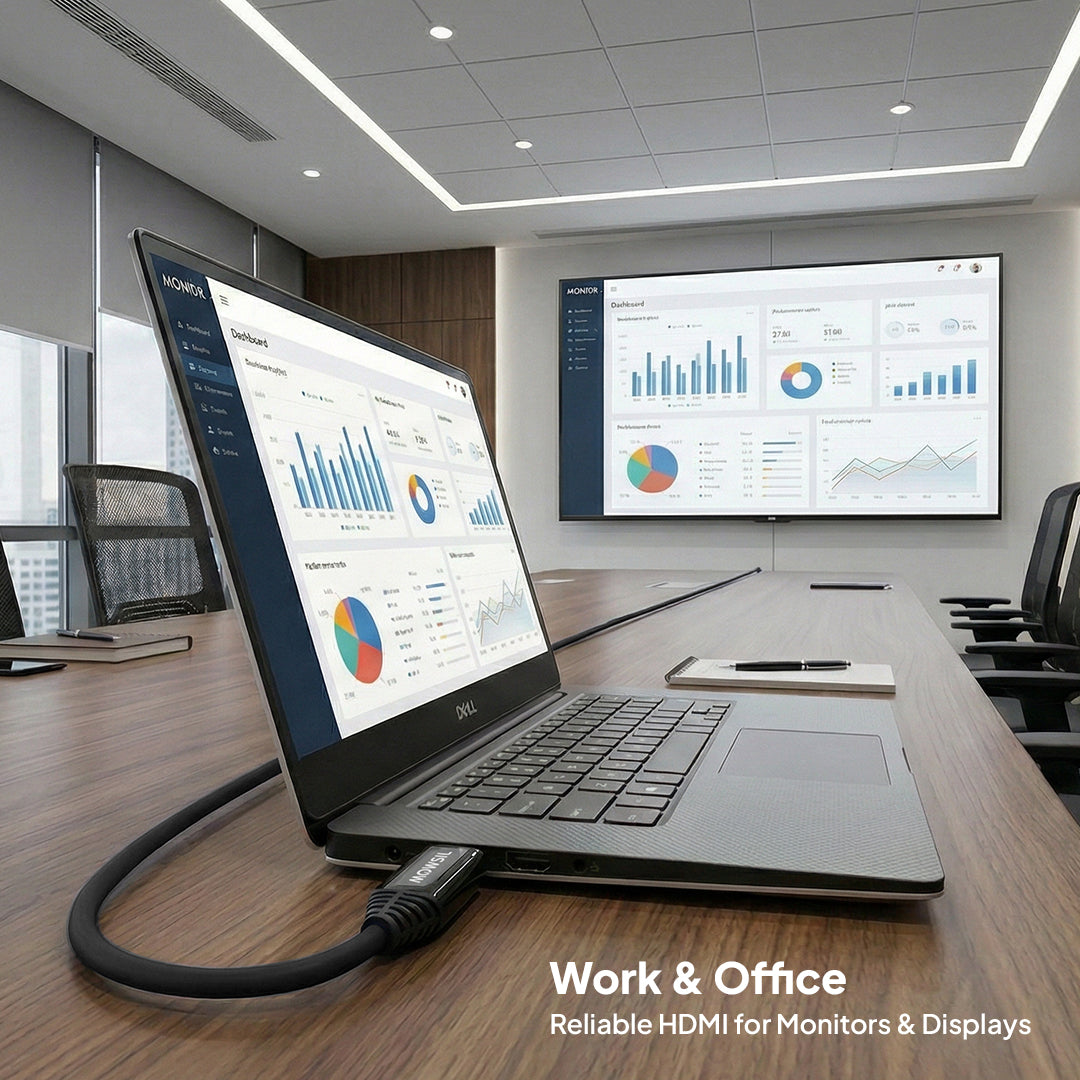
Mowsil 8K HDMI 2.1 Active Optical Cable — Office monitors and displays

Additional information

The MOWSIL 8K HDMI 2.1 Active Optical Cable is designed for AV installations where source devices and displays are positioned far apart. Before choosing a cable length or planning your setup, consider the following installation and compatibility requirements.

Installation Guidelines

  • Connect the Cable in the Correct Direction

This active optical cable uses a directional connection. Connect the end labelled Source to the HDMI output of your source device and the end labelled Display to the HDMI input of your television, projector, or monitor. Reversing the connections may prevent the cable from working correctly.

  • Plan Your Cable Route

Measure the complete distance between your devices before selecting a length. Account for cable routing through walls, ceilings, conduits, or equipment racks, along with sufficient slack for connections. Avoid sharp bends, crushing, or excessive pulling during installation.

  • Check Intermediate Equipment

If your setup includes an AV receiver, HDMI switch, splitter, or other intermediate device, verify that it supports the required signal format and features. The overall system performance depends on the capabilities of every device in the connection chain.

Compatibility Considerations

  • Verify Supported Features Across Your Setup

To use advanced video and audio features, check the specifications of your source device, display, and any intermediate equipment. A compatible cable alone cannot enable features that the connected devices do not support.

  • Understand Backward Compatibility

When connecting older HDMI equipment, the available performance will depend on the capabilities of the connected devices. Using this cable with an older HDMI version does not upgrade the equipment to newer HDMI standards or add unsupported features.

Before You Purchase

  • Confirm the required length: Choose a cable that accommodates your installation route.
  • Check the connection direction: Ensure the source and display ends can reach their respective devices.
  • Verify equipment compatibility: Check the required resolution, refresh rate, and audio features across your complete setup.
  • Plan the installation: Consider access to connection points and the cable route before installing it through walls or ceilings.


Frequently asked questions

1. What is an active optical HDMI cable?
An active optical HDMI cable uses fibre-optic technology to transmit audio and video signals over long distances.
2. Is the MOWSIL 8K HDMI cable suitable for long-distance installations?
Yes, it is designed for extended cable runs in home theatres, offices, and professional AV installations.
3. How do I connect an active optical HDMI cable correctly?
Connect the end labelled Source to your device's HDMI output and the Display end to your screen's HDMI input.
4. Can I use the MOWSIL HDMI cable with an AV receiver?
Yes, provided the AV receiver supports the required HDMI features and signal formats.
5. Can I use this cable with an HDMI splitter or switch?
Yes, if the splitter or switch is compatible with the cable's required signal format and bandwidth.
6. Does an HDMI 2.1 cable work with older HDMI devices?
Yes, this cable supports backward compatibility, but performance depends on the connected devices' HDMI capabilities.
7. Can this cable be installed inside walls or ceilings?
It may be suitable for such installations, subject to local building and fire-safety requirements and the cable's installation rating.
8. How do I choose the right HDMI cable length?
Measure the complete cable route, including bends, conduits, and the additional length needed to connect both devices.
9. Will this cable improve the picture quality of my TV?
It can help deliver supported video signals reliably, but it cannot improve picture quality beyond the capabilities of your source device and display.
10. Can I use this cable for 4K gaming at 120Hz?
Yes, with compatible gaming devices and displays that support 4K at 120Hz.
11. What happens if I connect an active optical HDMI cable backwards?
The connection may not work because the cable requires the source and display ends to be connected in the correct direction.
12. What should I check before buying a long HDMI cable?
Check the required length, connection direction, device compatibility, supported video formats, and installation requirements.

Enquiry Cart

Models selected: 0

Your quotation basket is empty.

    Back to top

    Technical specifications