





You will not be allowed to compare more than 4 products at a time
View compare


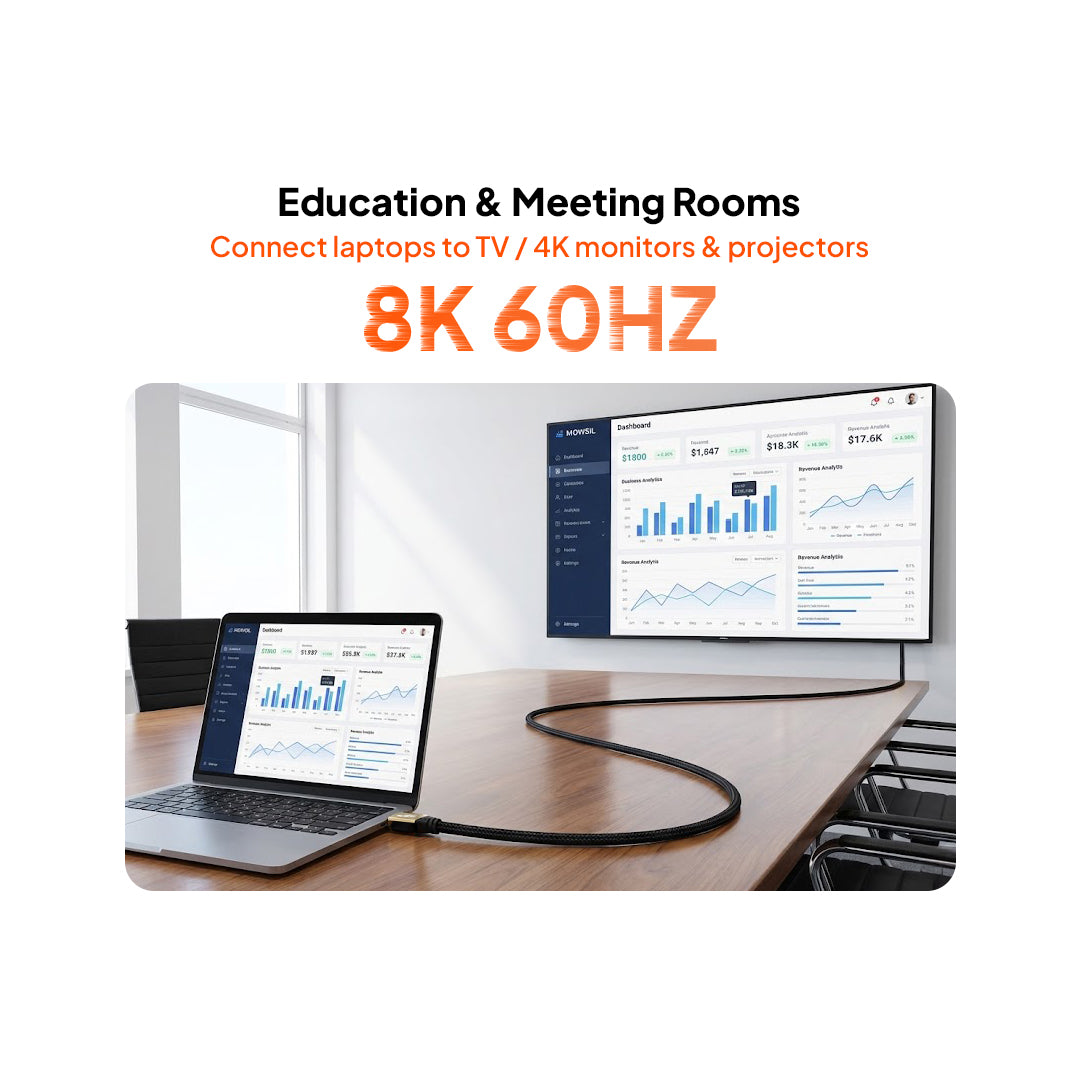
Description
Experience the future of visual performance with the Mowsil HDMI 8K 60Hz 2.1 Cable (Certified). Built to deliver breathtaking picture clarity, this cable supports 8K resolution at 60Hz and 4K at 120Hz, offering a true next-generation entertainment and gaming experience. With a 48Gbps bandwidth, Dynamic HDR, and eARC/ARC audio support, it ensures stunning image accuracy and immersive sound. Crafted with a 24K gold-plated connector and 6.3mm thick cable, it provides ultra-stable transmission and minimal signal loss. Designed for compatibility with the latest devices like PS5, Xbox Series X, 8K TVs, projectors, and gaming PCs — Mowsil’s certified HDMI 2.1 cable guarantees future-ready performance and durability.


Specification
Additional information
1. Can I use an HDMI 2.1 cable with an older HDMI television?
Yes. HDMI cables are designed to support connections with compatible earlier HDMI equipment. However, the available resolution, refresh rate, and other features will be limited by the capabilities of the television and connected source device.
2. Does using an 8K HDMI cable automatically provide 8K picture quality?
No. The source device must generate an 8K signal, and the connected television or monitor must support 8K input. The HDMI port and any intermediate equipment must also support the required signal format.
3. What is the difference between VRR and ALLM?
VRR synchronises the display's refresh rate with the gaming device's frame output to reduce screen tearing and stuttering. ALLM automatically switches a compatible television into a low-latency mode when it detects a gaming signal.
4. Can I connect my gaming console through an AV receiver?
Yes, provided the gaming console, AV receiver, and television support the required connection standards and display features. Check the receiver's HDMI input and output capabilities to ensure that it can pass through the intended video signal.
5. What is the purpose of HDMI eARC in a home theatre setup?
eARC allows compatible televisions to send audio to external equipment, such as soundbars and AV receivers, through an HDMI connection. It supports higher-bandwidth audio transmission and advanced audio formats, including compatible lossless audio configurations.
6. Can I use this cable to connect a laptop to a projector?
Yes. You can connect an HDMI-enabled laptop to a compatible projector for presentations, video playback, and other display applications. The output resolution and refresh rate depend on the capabilities of both devices.
7. What should I check if my HDMI connection does not display an image?
Check that the cable is securely connected at both ends, the correct HDMI input is selected on the display, and the source device is configured to output a supported resolution. You can also restart the connected devices and check for any issues with intermediate equipment.
8. Does HDMI 2.1 support variable refresh rates for PC gaming?
Yes. HDMI 2.1 includes VRR support for compatible displays and graphics hardware. The feature must also be supported and enabled by the connected devices and their software or display settings.
9. Can I connect multiple devices using one HDMI cable?
One HDMI cable connects a source device to a receiving device. To connect multiple sources to a single display, you can use a compatible HDMI switch or AV receiver. Check that the additional equipment supports the required signal specifications.
10. What should I consider when installing an HDMI cable behind a wall-mounted television?
Consider the distance between the television and source equipment, available cable routing space, connector clearance, and access to HDMI ports. For concealed installations, also verify that the cable meets the applicable in-wall installation requirements.