





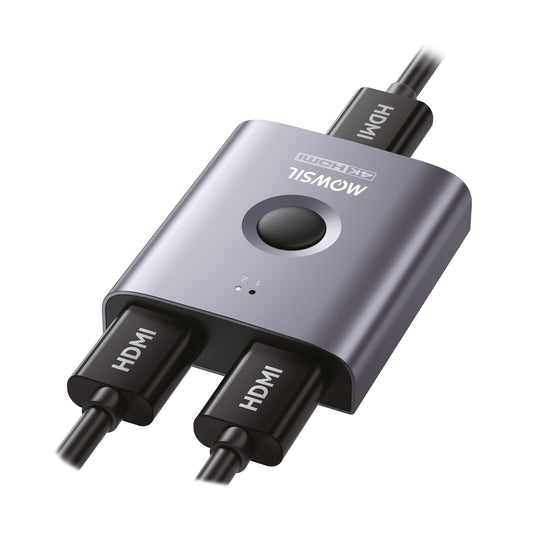
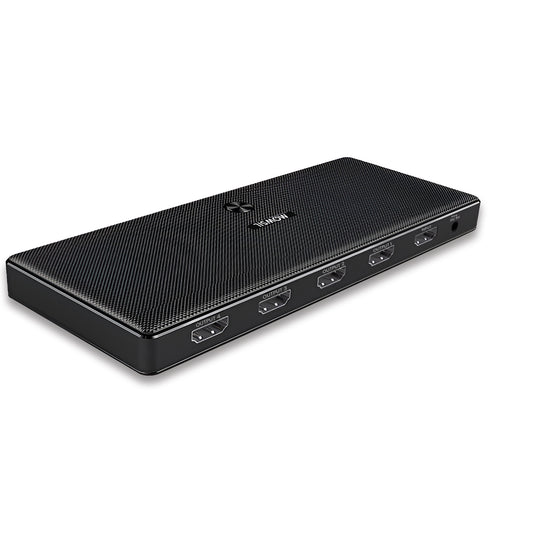
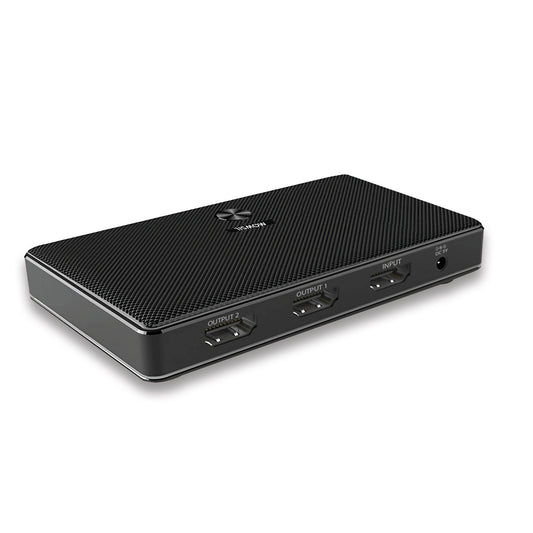
You will not be allowed to compare more than 4 products at a time
View compareShowing 1-4 of 4 Results
Frequently Asked Questions
1. What is an HDMI splitter used for?
An HDMI splitter is used to duplicate a single HDMI signal and distribute it to multiple displays, allowing identical content to be shown on each screen.
2. Can HDMI splitters support 4K resolution?
Yes, many MOWSIL HDMI splitters support 4K resolution, making them ideal for high-definition setups.
3. What is the difference between an HDMI splitter and a switch?
An HDMI splitter takes one source and sends it to multiple displays, while an HDMI switch allows multiple sources to connect to a single display.
4. Can I extend my display using an HDMI splitter?
No, HDMI splitters mirror content across multiple displays. They do not extend a single display onto multiple screens.
5. Do HDMI splitters carry audio signals?
Yes, HDMI splitters transmit both audio and video signals through the same connection.
6. Are HDMI splitters easy to install?
Yes, MOWSIL HDMI splitters are plug-and-play, making them easy to install without any software or technical setup.
7. Can HDMI splitters be used for projectors?
Yes, HDMI splitters are commonly used in projector setups to distribute a single signal to multiple projectors or displays.
8. How many displays can I connect using one HDMI splitter?
This depends on the splitter model. Common configurations include 1x2, 1x4, and more.
9. Do HDMI splitters affect video quality?
With the right cables and compatible devices, MOWSIL HDMI splitters maintain stable, high-quality video without degradation.
10. Can HDMI splitters be used for gaming setups?
Yes, HDMI splitters are ideal for gaming setups that need to output gameplay to multiple screens.
11. Are HDMI splitters suitable for office use?
Yes, HDMI splitters are commonly used in offices to display presentations across multiple monitors.
12. What should I consider before buying an HDMI splitter?
Consider the number of outputs, supported resolution, cable distance, and the type of installation you need.