Expand Device Connectivity with Practical Multi-Port Solutions
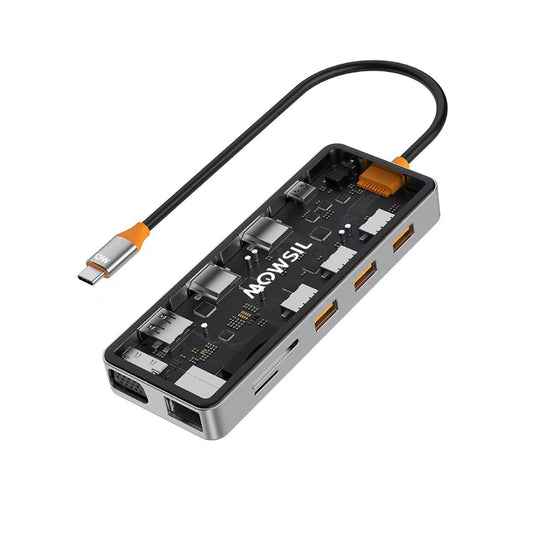
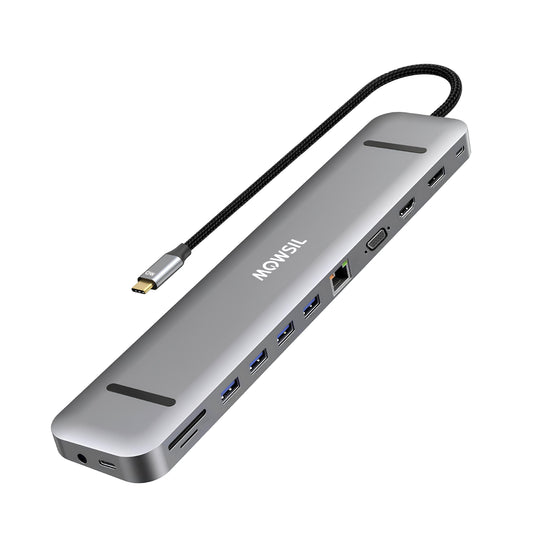
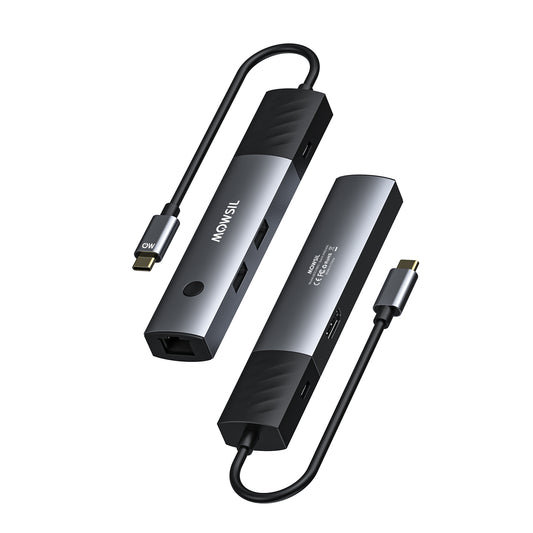
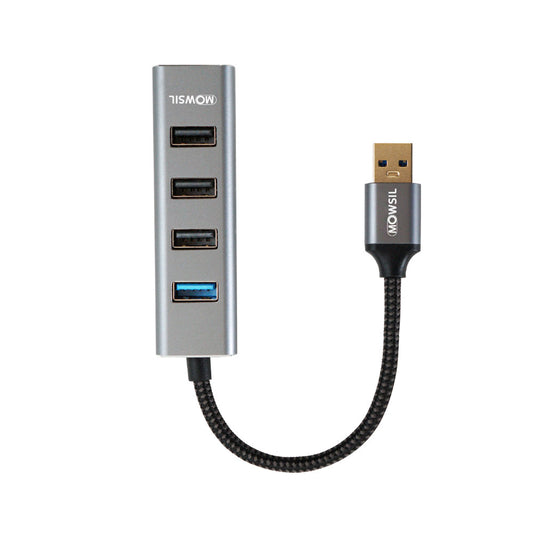
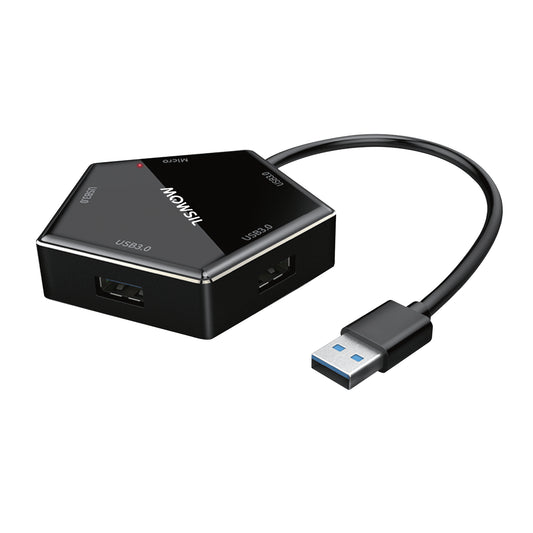
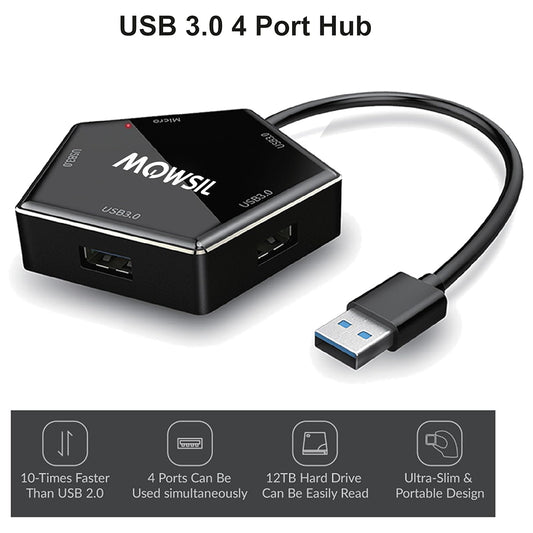
MOWSIL USB hubs are designed to expand the number of usable ports on your device, allowing you to connect multiple peripherals through a single interface. Whether you're working with laptops that have limited ports or managing multiple accessories in a workstation setup, USB hubs provide a straightforward way to improve connectivity without changing your existing devices.
From everyday computing to structured work environments, these hubs help integrate keyboards, storage devices, displays, and network connections into one organized setup. If you're searching for 4K USB Hub UAE, MOWSIL offers options that support both connectivity expansion and display integration across modern devices.
Built to Support Multi-Device Workflows
Modern setups often require more connections than a single device can provide. USB hubs simplify this by acting as a central connection point, allowing multiple peripherals to work simultaneously.
MOWSIL USB hubs are suitable for:
- Connecting external storage, keyboards, and mice
- Linking laptops to monitors and displays
- Supporting wired internet connections through adapters
- Managing multiple USB devices in a single workspace
For setups that require both data connectivity and network access, a USB Hub with Ethernet Port helps combine essential functions into one device.
Key Features of MOWSIL USB Hubs
MOWSIL USB hubs are designed with features that support everyday usage as well as structured work environments:
Multiple USB Ports – Connect several devices such as drives, keyboards, and accessories at once
4K Display Support (Select Models) – Supports video output when paired with compatible devices
Ethernet Connectivity Options – Enables stable wired network access in supported models
High-Speed Data Transfer – Designed to handle file transfers and peripheral connections efficiently
Compact and Practical Design – Suitable for desk setups, travel, and workspace organization
Plug-and-Use Setup – No additional software required for most configurations
Types of USB Hubs Available
Choosing the right USB hub depends on how you plan to use your setup. MOWSIL offers different configurations to match specific needs:
Standard USB Hubs
Designed to expand basic connectivity, these hubs allow multiple USB devices to be connected at once.
Best for: Everyday computing, home use, and simple office setups
USB Hubs with Ethernet
These hubs include a network port, enabling wired internet access along with USB connectivity.
Best for: Workstations, remote work setups, and environments requiring stable internet
4K USB Hubs
These models support display output alongside standard USB functionality, making them suitable for setups that require screen connectivity.
Best for: Users looking for 4K USB Hub Dubai solutions that combine display and peripheral connections
Multi-Function USB Hubs
Designed to combine multiple functions such as USB ports, HDMI output, and Ethernet in one device.
Best for: Compact workstations and users who need all-in-one connectivity
Choosing the Right USB Hub
To select the right USB hub for your setup, consider the following:
Number of Devices
Identify how many peripherals you need to connect. A higher port count helps avoid the need for multiple hubs.
Display Requirements
If your setup includes an external monitor, choose a hub that supports video output, especially for high-resolution displays.
Network Needs
For stable internet access, consider hubs that include Ethernet support, especially in office or work-from-home environments.
Workspace Layout
Compact hubs are suitable for travel or minimal setups, while larger hubs are better for fixed workstations.
Where MOWSIL USB Hubs Fit Best
MOWSIL USB hubs are designed to adapt to different environments where device connectivity is essential:
Office Workstations
Support multiple devices such as keyboards, storage drives, and monitors without constantly switching cables.
Home and Remote Work Setups
Create a structured workspace by connecting essential devices through a single hub, reducing clutter and improving accessibility.
Creative and Professional Use
Useful for setups involving multiple peripherals such as external drives, displays, and input devices.
Portable Use
Compact hubs are easy to carry, making them useful for users who work across multiple locations.
Practical Connectivity Without Complexity
MOWSIL USB hubs focus on usability rather than unnecessary features. They are designed to simplify connections while maintaining consistent performance across devices.
For users in different regions, options such as 4K USB Hub Abu Dhabi, 4K USB Hub Sharjah, and 4K USB Hub with Ethernet UAE are available to match specific setup requirements without overcomplicating the selection process.
Why MOWSIL USB Hubs Make Sense
Flexible Connectivity Expansion
Allows multiple devices to connect through a single port without modifying your system.
Wide Device Compatibility
Works with laptops, desktops, and other USB-enabled devices.
Structured Setup Support
Helps organize workspaces by reducing cable clutter and simplifying connections.
Adaptable Configurations
Different models support different use cases—from simple expansion to multi-function setups.
Available Across UAE
Easily accessible across major regions, making it convenient to upgrade your setup when needed.
Explore MOWSIL USB Hubs
If you need a practical way to expand your device connectivity, MOWSIL USB hubs offer structured solutions for both everyday use and professional setups.
Frequently Asked Questions
1. What is a USB hub used for?
A USB hub expands a single USB port into multiple ports, allowing you to connect several devices at once.
2. Can USB hubs support multiple devices simultaneously?
Yes, USB hubs are designed to handle multiple connected devices such as keyboards, drives, and accessories at the same time.
3. Do USB hubs support 4K display output?
Some USB hubs support 4K display output, depending on the model and compatibility with your device.
4. What is a USB hub with Ethernet used for?
A USB hub with Ethernet allows you to connect your device to a wired internet connection while also using additional USB ports.
5. Are USB hubs easy to use?
Yes, most USB hubs are plug-and-play and do not require additional setup or software.
6. Can I use a USB hub with a laptop?
Yes, USB hubs are commonly used with laptops to expand available ports and connect multiple peripherals.
7. Do USB hubs affect data transfer speed?
Data transfer speed depends on the hub specifications and connected devices. Using a high-speed hub ensures better performance.
8. Can USB hubs be used for office setups?
Yes, they are widely used in office environments to connect multiple devices efficiently.
9. Are USB hubs suitable for gaming setups?
Yes, USB hubs can be used to connect gaming peripherals such as controllers, keyboards, and external storage.
10. Can I connect external hard drives using a USB hub?
Yes, USB hubs support external drives, but performance depends on the hub’s power and data capabilities.
11. Do USB hubs require external power?
Some hubs are powered directly through the device, while others may require external power for high-demand setups.
12. How do I choose the right USB hub?
Choose based on the number of ports, required features like display or Ethernet support, and your overall setup needs.