



There is a kind of panic that happens in a corporate boardroom just three minutes before a big client presentation. The executive team is waiting. Overseas investors are on a video call. The presenter plugs the office cable into their laptop. Nothing works. Then there is a scramble to fix it. Unplugging and replugging swapping adapters blowing on connectors and hoping for the best.
In todays world the weakest part of your expensive office setup is not your smart display, acoustic panels or video conferencing software. It is the cable on your table.
For IT staff, facility managers and procurement teams an unreliable meeting room cable setup is a headache. It uses up IT resources disrupts meetings and can hurt a companys reputation during important pitches. To avoid these problems every modern office needs a plan.
This guide is your checklist, for presentation cables ensuring your conference spaces work well are productive and totally reliable.
* Every office needs to check its cables to prevent issues.
* A simple cable can cause problems during important meetings.
* IT staff and managers need to take action to prevent these issues.
The Foundation The High Bandwidth HDMI Cable
Despite the rapid rise of wireless casting solutions the traditional wired connection remains the absolute gold standard for boardroom reliability. Wireless casting can drop out due to local network congestion lag during video playback or fail entirely due to corporate firewall restrictions. A physical wire works every single time.
However not all HDMI options are manufactured equally. Many offices make the mistake of repurposing cheap legacy wires that were bought years ago for basic high definition screens. When you plug those older cords into a modern commercial 4K display or an interactive whiteboard the signal instantly chokes.
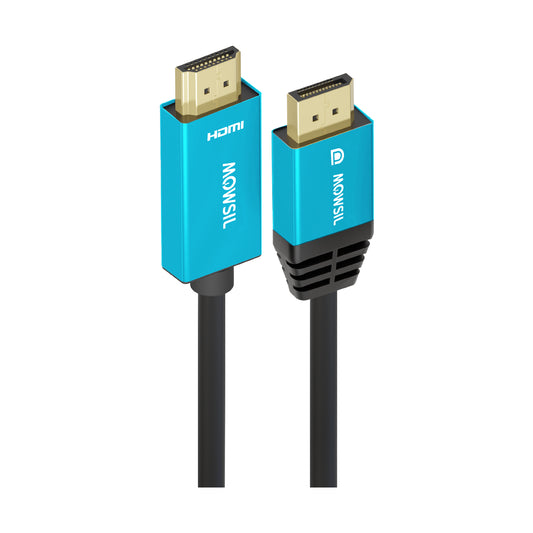
Your conference room HDMI setup must feature cables that explicitly support HDMI 2.0 or HDMI 2.1 standards. This guarantees enough data bandwidth to handle 4K video resolutions at a smooth sixty frames per second without screen flickering color distortion or random audio cutoffs. Additionally look for commercial grade cords with thick internal shielding and heavy duty connectors that can withstand being stepped on twisted and yanked on a daily basis by hurried employees.
The Modern Essential Dedicated USB-C to HDMI Connectivity
The corporate laptop landscape is deeply divided. While some enterprise machines still feature standard video ports ultra thin modern laptops like the latest MacBooks and premium Windows ultrabooks have completely stripped them away. These streamlined devices rely entirely on versatile Type-C ports.
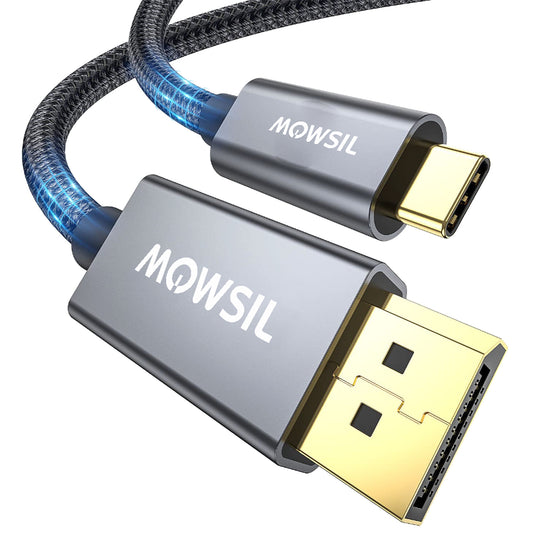
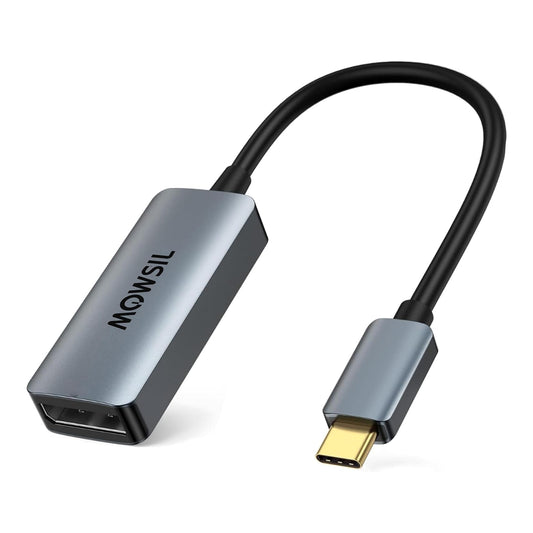
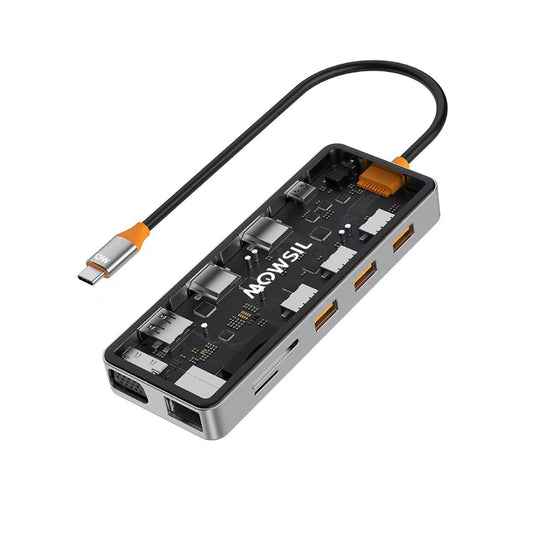
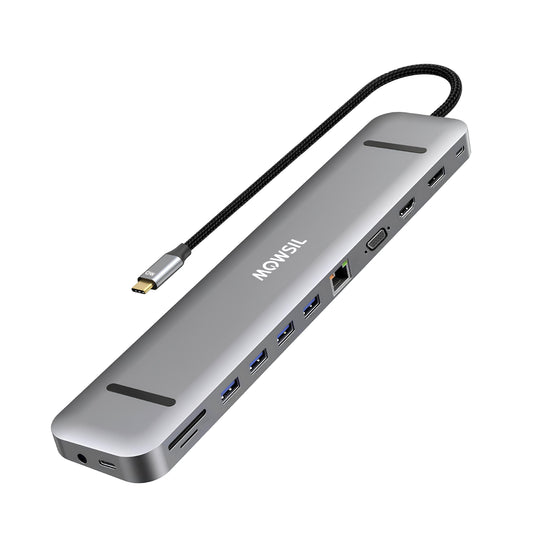
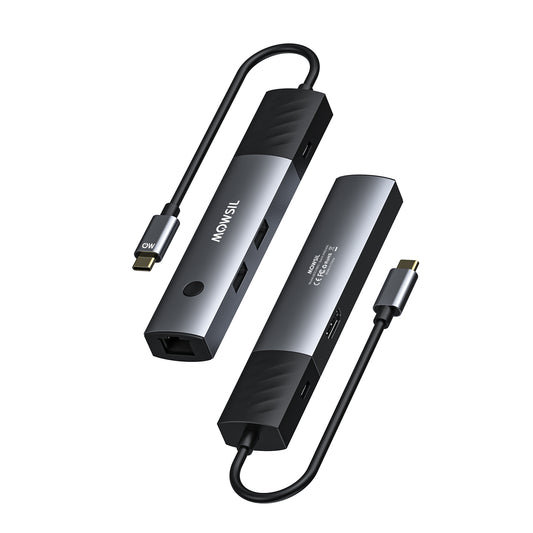
Forcing your staff or visiting clients to carry their own fragile plastic dongles is a recipe for presentation failure. A modern meeting space must feature native USB-C to HDMI solutions built directly into the table connectivity box.
By providing a dedicated high quality Type-C conversion line you eliminate the frantic search for a compatible adapter. The user simply connects the single wire to their modern device and the internal chipsets handle the high resolution video transmission and audio syncing automatically. This simple addition drastically reduces the number of emergency IT support tickets generated by external speakers who cannot link their devices to the room.
The Legacy Bridge DP to HDMI Adaptability
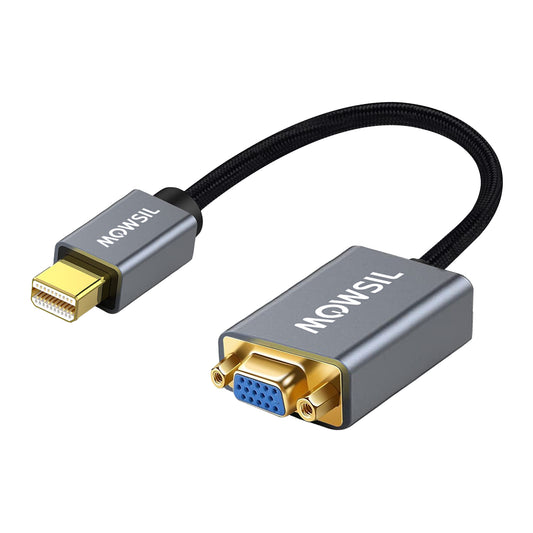
While Type-C dominates the mobile lifestyle many corporate engineering finance and design teams utilize heavy duty corporate workstations or specialized business laptops. These specific devices frequently utilize DisplayPort or Mini DisplayPort outputs rather than standard HDMI interfaces.
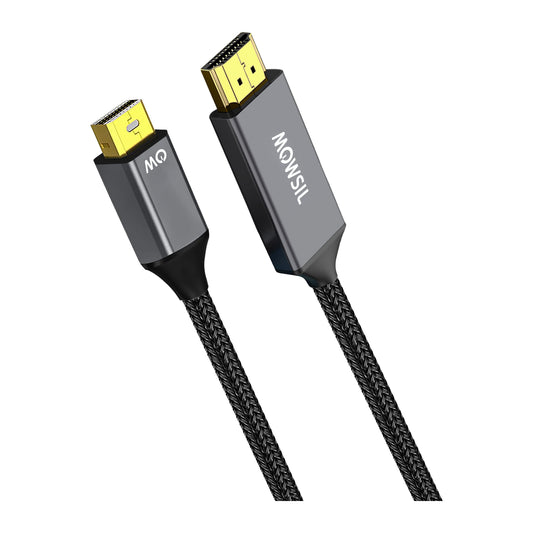
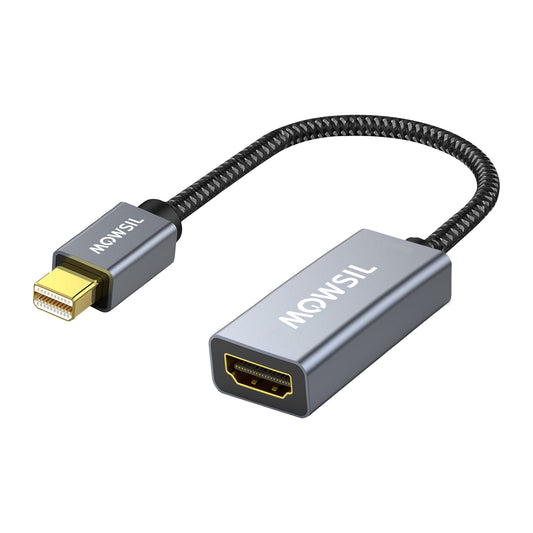
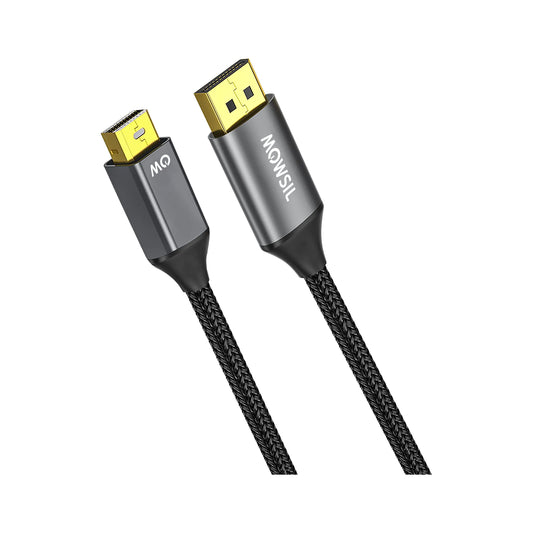
To ensure your collaborative spaces are truly universal your procurement checklist must include a high performance DP to HDMI adapter or dedicated patch cable.
Having this dedicated conversion hardware readily accessible inside the meeting room ensures that no matter what machine a team member brings into the room whether it is a legacy corporate asset or a highly specialized creative workstation they can immediately port their screen content to the central display without a single second of downtime.
The Backbone Dedicated Ethernet Cable Infrastructure
With the corporate world permanently adopting hybrid work models a meeting room is no longer just a place for local presentations. It is a live broadcasting studio. Boardrooms constantly run high definition multi party video streams via platforms like Microsoft Teams Zoom and Webex.
Relying on office Wi-Fi for important calls is a big risk. When many employees in the office are browsing or downloading large files at the same time your video call will likely have issues like pixelation, choppy sound or even dropped connections.
Every high-end meeting room needs an internet cable that goes straight from the wall to the conference table or video equipment. Connecting your computer or video conferencing gear with a high-speed cable ensures fast and steady internet. This setup helps keep your video smooth your audio in sync and your connection separate, from the rest of the office Wi-Fi.
+-------------------------------------------------------------------------+
| Corporate Network Switch |
+-------------------------------------------------------------------------+
|
| Dedicated Wired Cat6 Line
v
+-------------------------------------------------------------------------+
| Boardroom Video Conferencing Hardware |
| (Zero Packet Loss, Ironclad Security, Guaranteed Speed) |
+-------------------------------------------------------------------------+
The Distance Solution Advanced Signal Extenders
The layout of a company meeting room can be really tough to work with. You might have your media player or presentation computer on a table in the middle of the room and your display screen or fancy projector is mounted way up on the ceiling, fifteen or twenty meters away.
This is a problem because regular video cables do not work well over distances. They start to lose the signal after five meters. If you try to run a cable through a big wall you will probably have some issues. The screen might go blank. It might blink on and off or you might see a lot of delay.
For rooms the people in charge have to use special devices called Extenders. These devices use technology like HDBaseT or Active Optical to take the video signal turn it into a light signal or a special kind of internet packet and send it a long way without losing any quality. Then it gets turned back into a video signal at the end. This helps keep the cables neat and stable. They can be hidden behind the walls and ceiling of the office. The Extenders are really important for big company meeting rooms and they help make sure the video signal is strong and clear so you can have a presentation, with your display screen or fancy projector and your media player or presentation computer.
The Forgotten Logistics Length Planning and Spare Stocks
The final and most critical component of the presentation cable checklist is proper physical asset management.
Precision Length Tracking
Cables that are too short create a major tripping hazard because they are stretched tightly across the floor putting physical strain on the laptop ports. Conversely cords that are far too long bunch up inside or underneath the presentation desk creating an unsightly tangled mess that traps heat and collects dust. Measure your exact routing pathways through desk grommets and floor tracks then purchase specific lengths that leave just enough slack for comfortable movement.
The Emergency Backup Cache
No matter how premium your office AV cables are copper wires and gold pins will eventually wear down under constant human handling. Pins get bent wires get pinched under heavy table bases and connectors occasionally snap.
A forward thinking procurement team must never order just enough inventory for active rooms. Always maintain an emergency backup locker stocked with matching spare components. If a room line fails on a busy Tuesday morning your IT team should be able to swap out the compromised wire within two minutes flat rather than waiting days for a new shipping order to arrive.
Conclusion - Building an Interrupted Workflow with Mowsil
A flawless presentation setup requires a deliberate transition away from bargain consumer electronics toward robust commercial grade connectivity solutions. When an organization standardizes its collaborative environments with premium high performance hardware the entire business operates with higher efficiency and fewer tech related frustrations.
To guarantee your corporate communication networks and boardrooms perform with absolute certainty Mowsil engineered products provide the definitive answer for the modern enterprise. Mowsil specializes in manufacturing top tier HDMI Cable arrays heavy duty USB-C to HDMI lines ultra reliable DP to HDMI converters and high speed Ethernet Cable solutions specifically designed for rigorous day to day corporate operations. Furthermore their advanced long distance Extenders ensure that even the largest executive boardrooms maintain pristine high resolution video fidelity across massive distances. By building your corporate AV framework with Mowsil enterprise hardware you systematically eliminate the variables of signal failure ensuring that your teams stay focused entirely on their ideas rather than the infrastructure powering them.