





You will not be allowed to compare more than 4 products at a time
View compareكابل Mowsil البصري النشط HDMI 2.1 بدقة 8K
كابل Mowsil البصري النشط HDMI 2.1 بدقة 8K
في الأوراق المالية
SKU
MOC810


وصف


مواصفة
معلومات إضافية
1. What is an active optical HDMI cable?
An active optical HDMI cable uses fibre-optic technology to transmit audio and video signals over long distances.
2. Is the MOWSIL 8K HDMI cable suitable for long-distance installations?
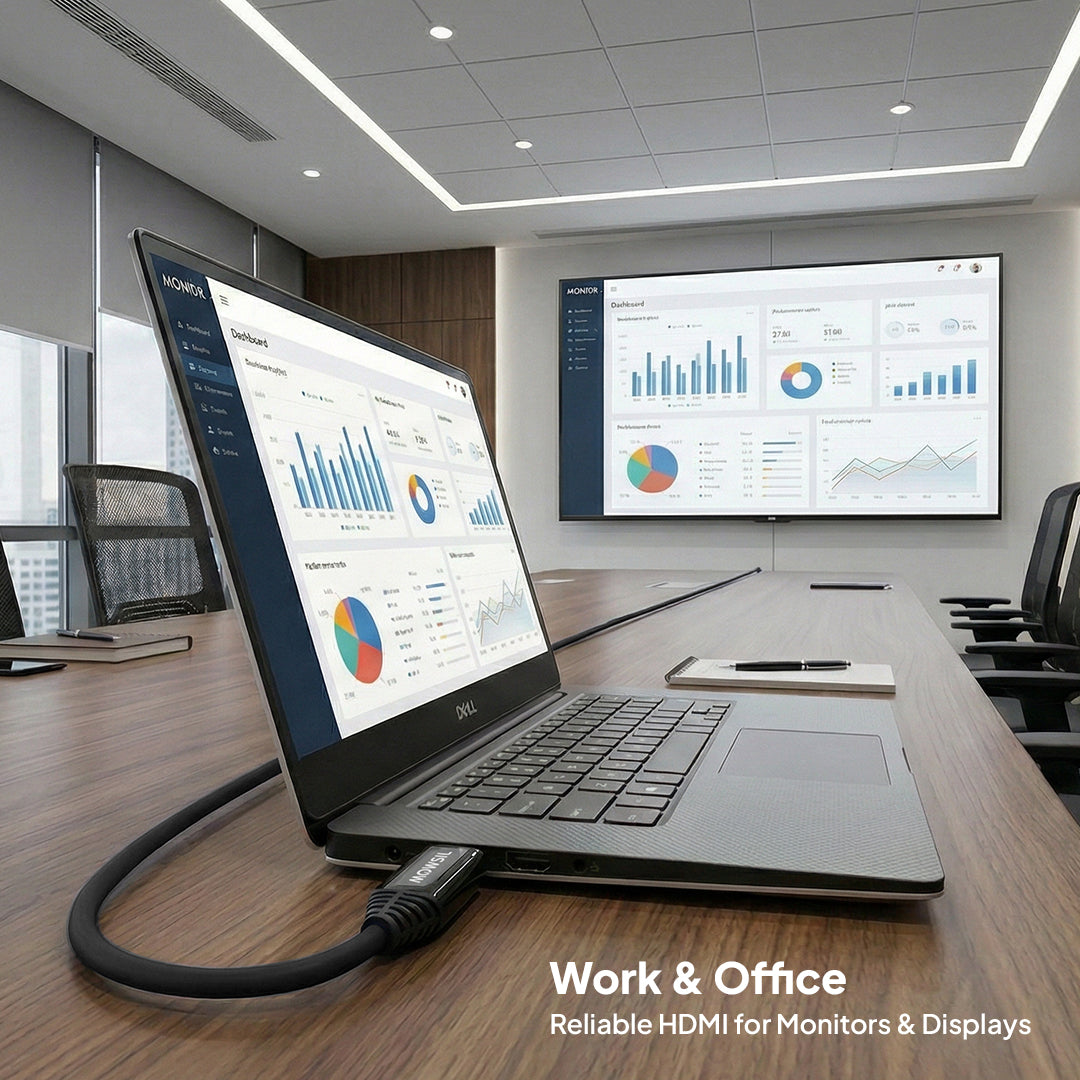
Yes, it is designed for extended cable runs in home theatres, offices, and professional AV installations.
3. How do I connect an active optical HDMI cable correctly?
Connect the end labelled Source to your device's HDMI output and the Display end to your screen's HDMI input.
4. Can I use the MOWSIL HDMI cable with an AV receiver?
Yes, provided the AV receiver supports the required HDMI features and signal formats.
5. Can I use this cable with an HDMI splitter or switch?
Yes, if the splitter or switch is compatible with the cable's required signal format and bandwidth.
6. Does an HDMI 2.1 cable work with older HDMI devices?
Yes, this cable supports backward compatibility, but performance depends on the connected devices' HDMI capabilities.
7. Can this cable be installed inside walls or ceilings?
It may be suitable for such installations, subject to local building and fire-safety requirements and the cable's installation rating.
8. How do I choose the right HDMI cable length?
Measure the complete cable route, including bends, conduits, and the additional length needed to connect both devices.
9. Will this cable improve the picture quality of my TV?
It can help deliver supported video signals reliably, but it cannot improve picture quality beyond the capabilities of your source device and display.
10. Can I use this cable for 4K gaming at 120Hz?
Yes, with compatible gaming devices and displays that support 4K at 120Hz.
11. What happens if I connect an active optical HDMI cable backwards?
The connection may not work because the cable requires the source and display ends to be connected in the correct direction.
12. What should I check before buying a long HDMI cable?
Check the required length, connection direction, device compatibility, supported video formats, and installation requirements.