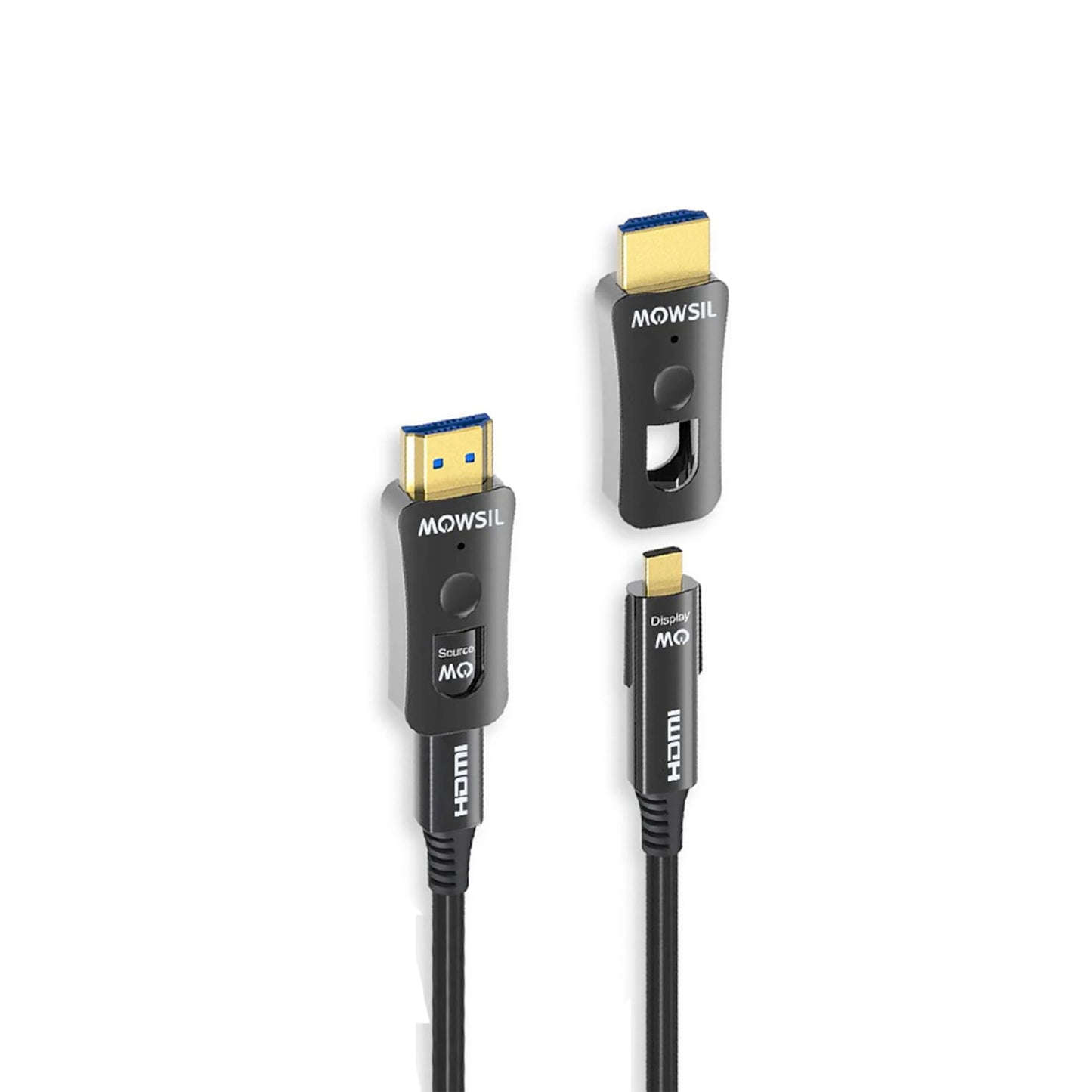
Installation Considerations for Detachable HDMI Cables
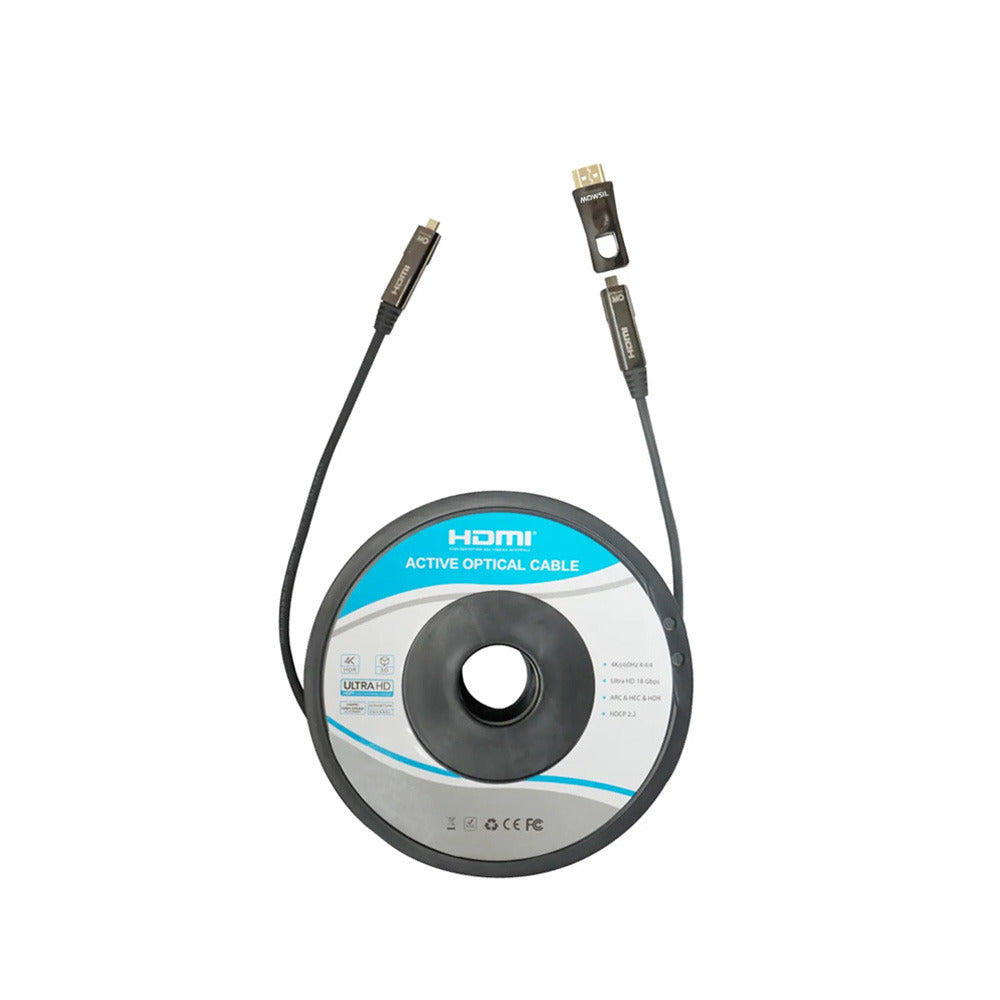
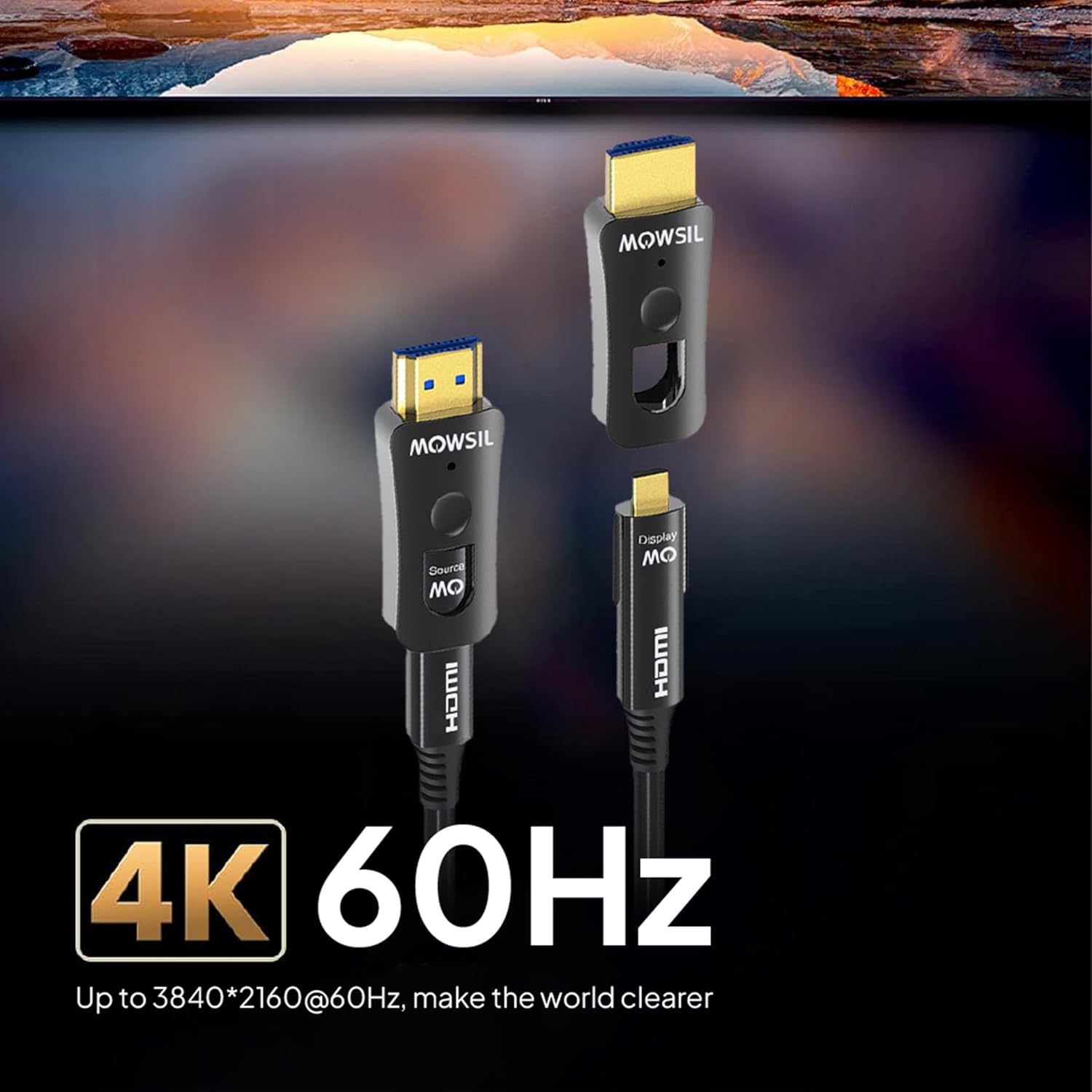
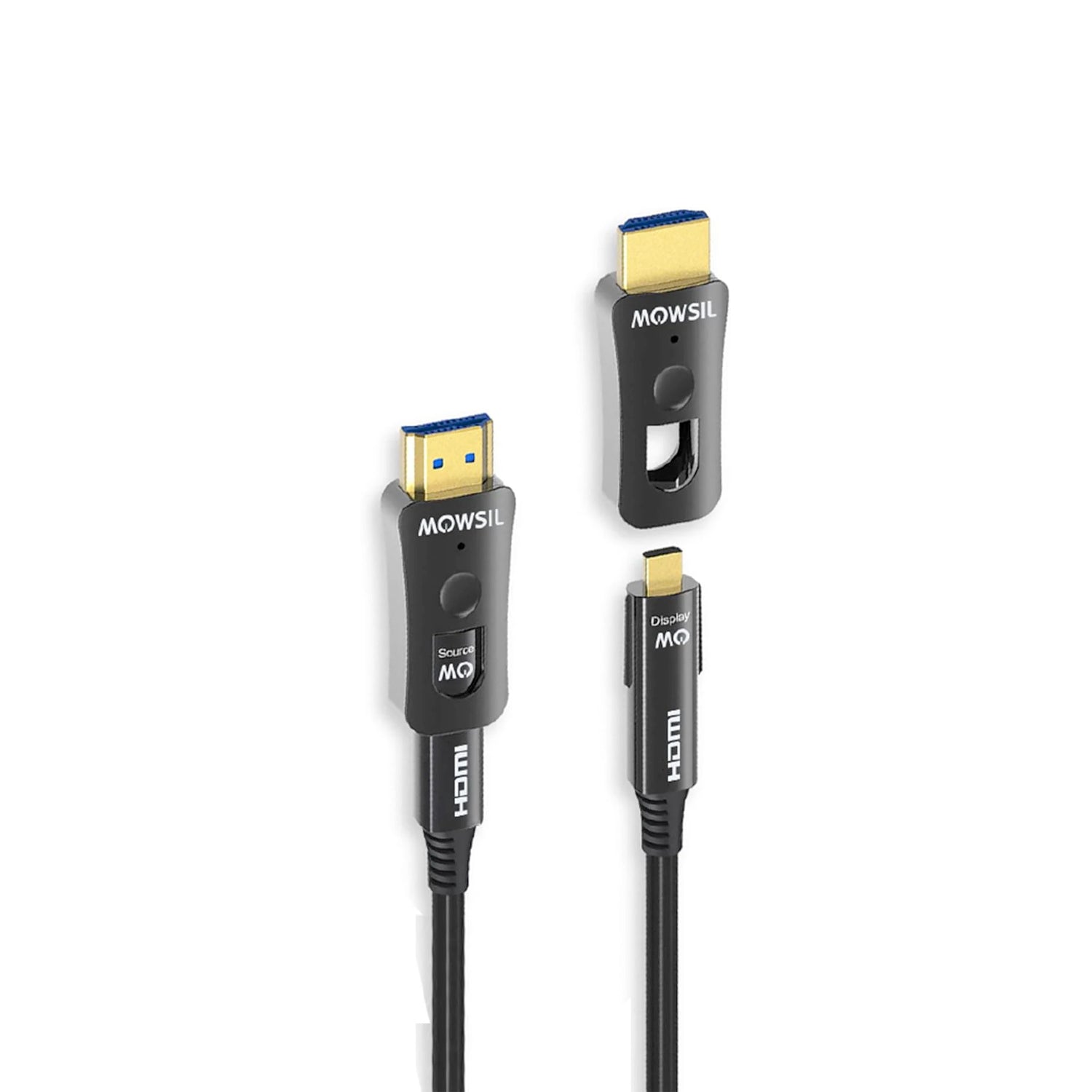
A detachable HDMI cable is useful for AV installations where standard HDMI connectors are difficult to route through narrow openings. Removing the connector heads, where supported by the manufacturer's design, allows the cable to pass through conduits and wall openings before the connectors are reattached.
Before installation, measure the complete cable route and check that the selected length is suitable. Follow the manufacturer's instructions for connector removal, reassembly, and cable handling. Avoid sharp bends, excessive pulling force, twisting, or pressure on the connector ends to help protect the cable during installation.
For permanent installations, confirm that the cable's jacket and construction meet the applicable in-wall or in-ceiling installation requirements.
Choosing the Right HDMI Cable Length
Selecting the appropriate cable length helps create a practical and organised AV setup. Measure the distance between the source device and display along the intended installation route rather than relying only on the straight-line distance.
Allow additional length for routing around obstacles, through conduits, and between connection points. However, avoid unnecessary excess cable that may complicate cable management.
Check the available MOWSIL cable-length options and confirm the specifications of the selected variant before ordering, particularly for installations involving long cable runs or concealed routing.
Device Compatibility and Connection Setup
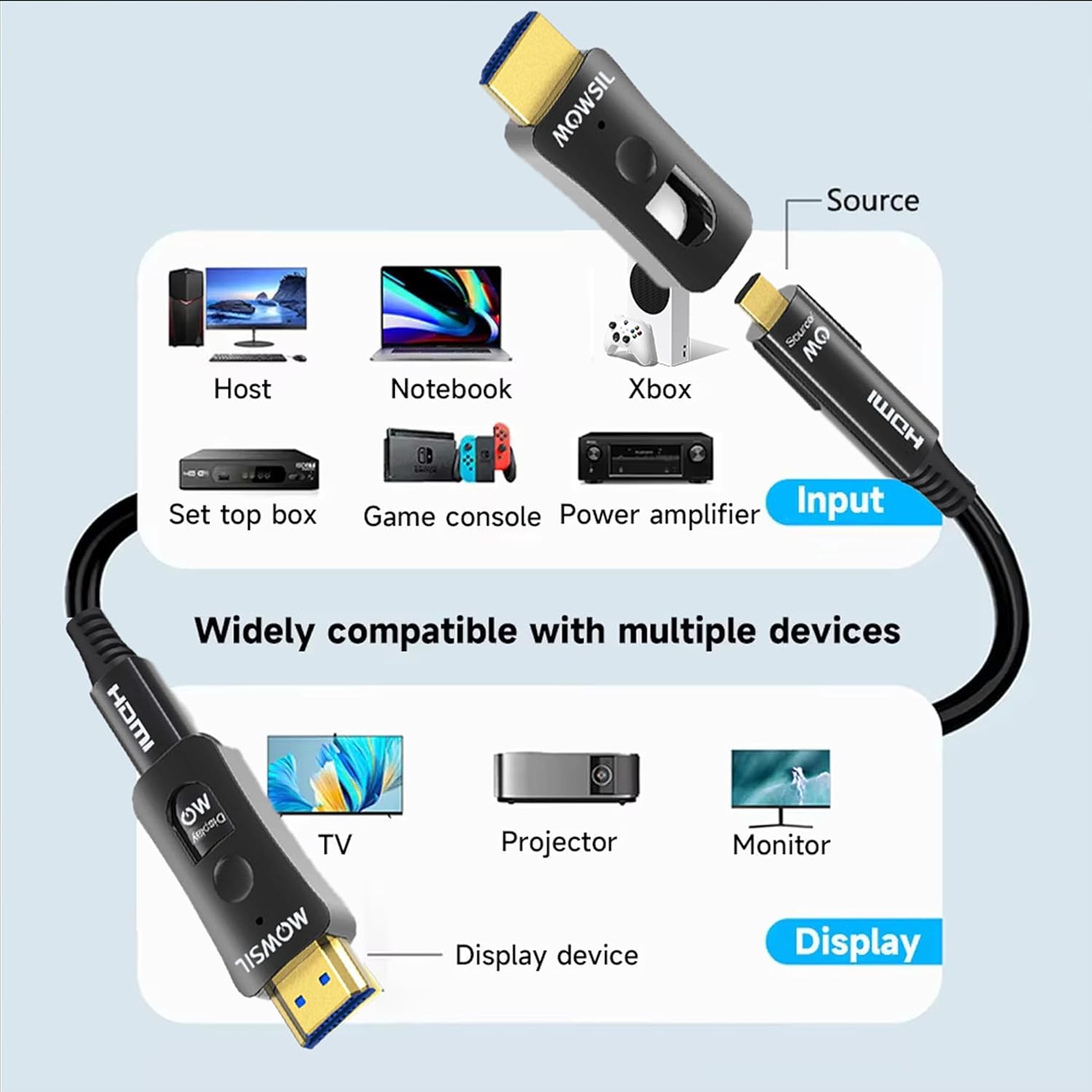
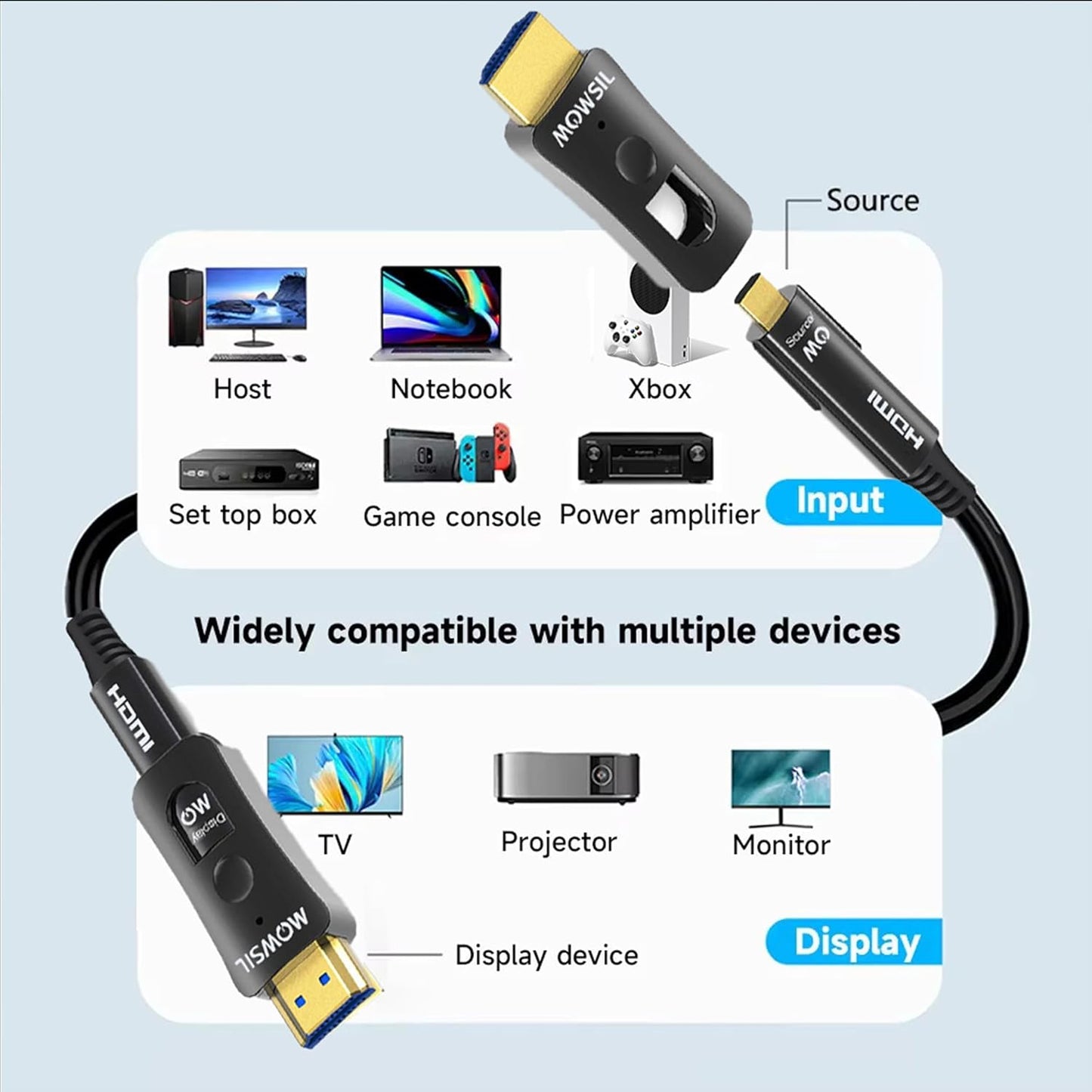
The MOWSIL detachable HDMI AOC cable can be used with compatible HDMI-enabled equipment, including laptops, desktop computers, media players, televisions, monitors, projectors, and AV receivers.
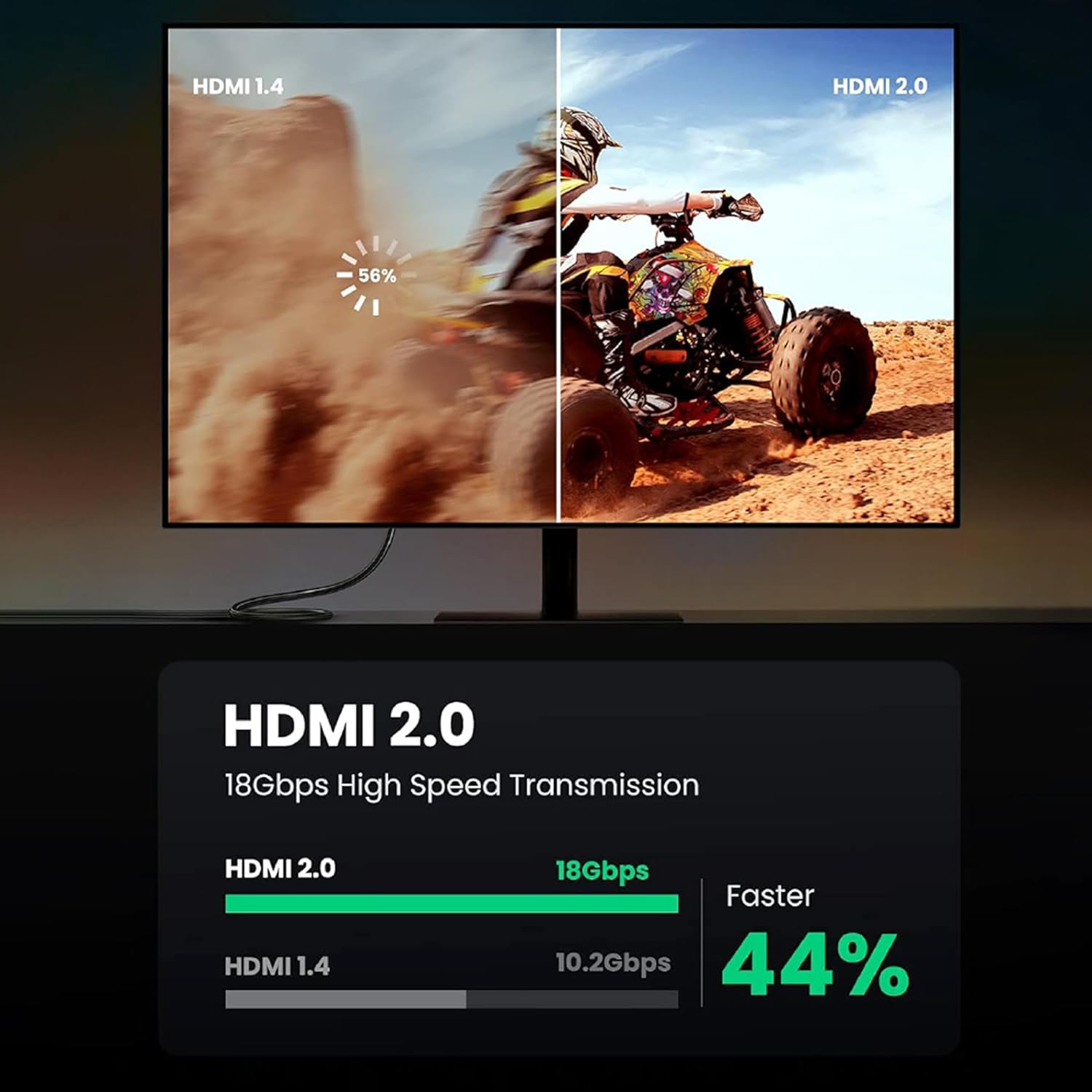
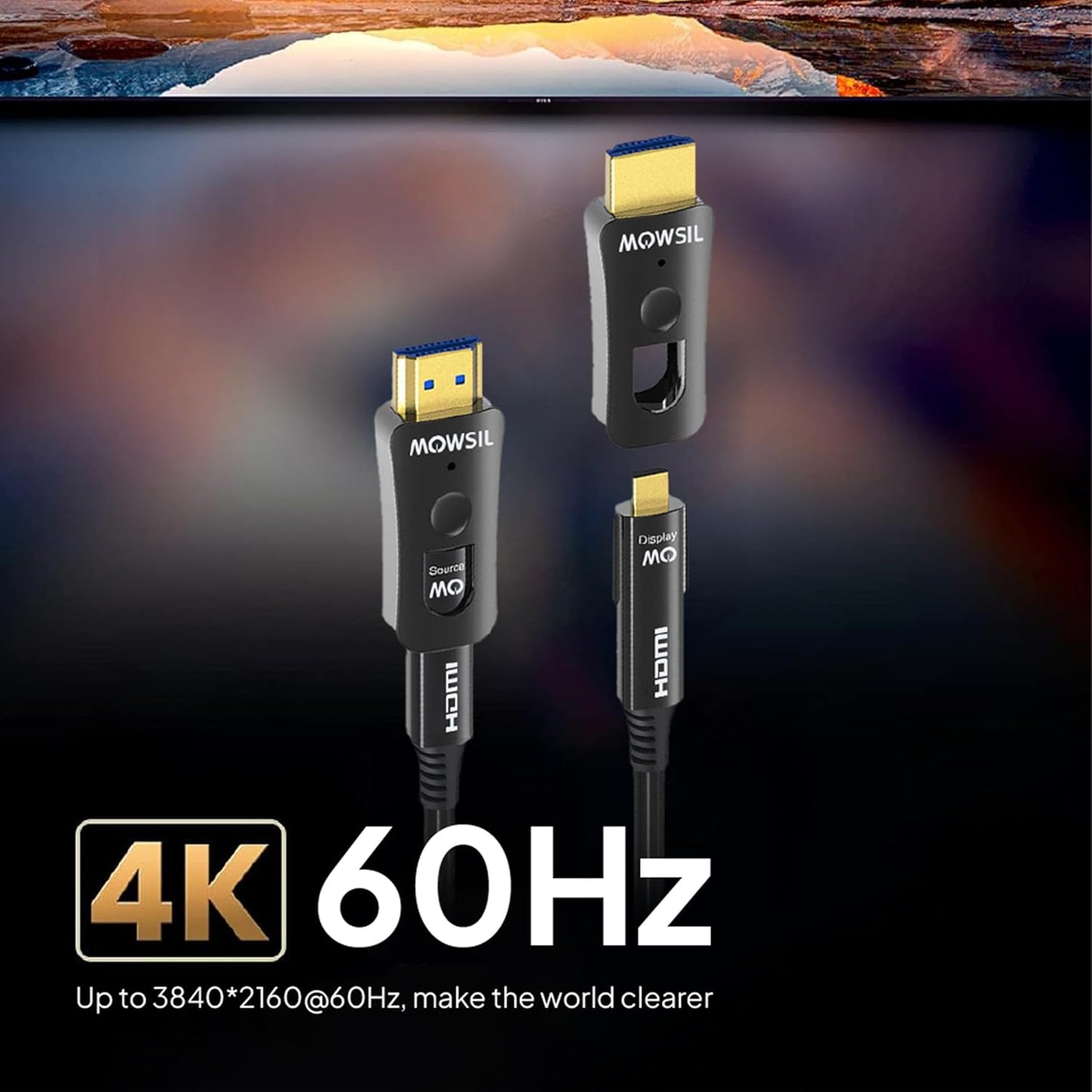
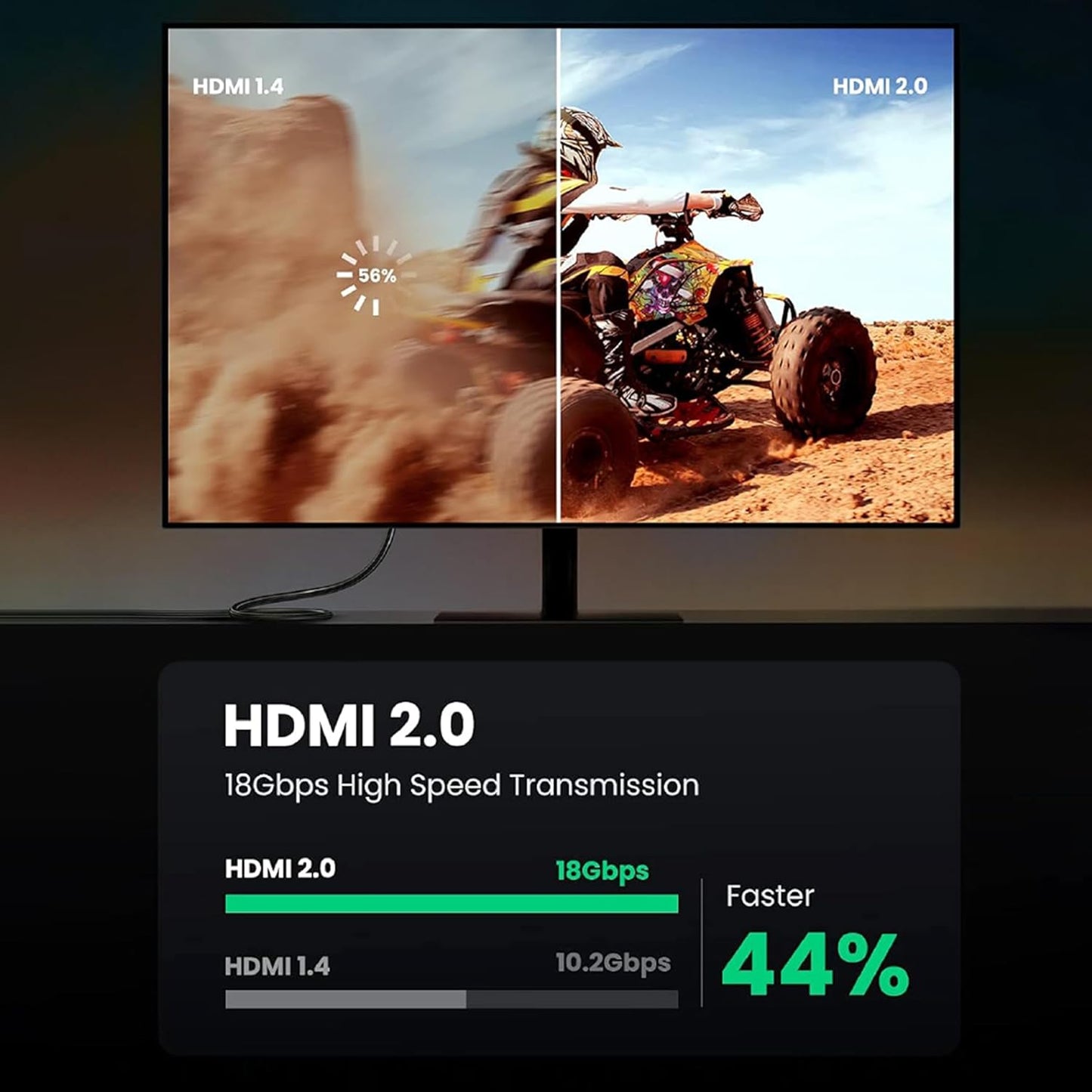
Before connecting the cable, verify that the source device and display support the required resolution, refresh rate, and other intended features. For setups involving AV receivers, HDMI switches, splitters, or other intermediate equipment, check the specifications of the complete connection chain.
If the cable is directional, connect its source end to the signal-output device and its display end to the receiving device, following the markings on the cable and the manufacturer's instructions.
Planning Professional AV Installations
Conference rooms, training facilities, auditoriums, studios, and commercial display environments often require HDMI connections between equipment positioned several metres apart. Planning the cable route before installation can help reduce visible wiring and make the setup easier to manage.
For wall-mounted displays, ceiling-mounted projectors, and equipment housed in separate cabinets, consider the connector clearance, conduit dimensions, access points, and maintenance requirements before routing the cable. Ensure that the installation complies with applicable building and cabling regulations.
Troubleshooting and Maintenance
If the display does not receive a signal, check that both connectors are fully seated and that the source device and display are using the correct HDMI input and output. Confirm that the cable is connected in the correct direction if the model requires directional installation.
If the connection remains unstable, check the output resolution and refresh rate, restart the connected devices, and test the setup with compatible equipment where possible. Inspect accessible cable sections for crushing, excessive bending, or connector damage.
Avoid pulling on the cable to disconnect it. Handle the connector housings carefully and follow MOWSIL's instructions for any maintenance or reconnection.