1. What is an HDMI 2.0 cable used for?
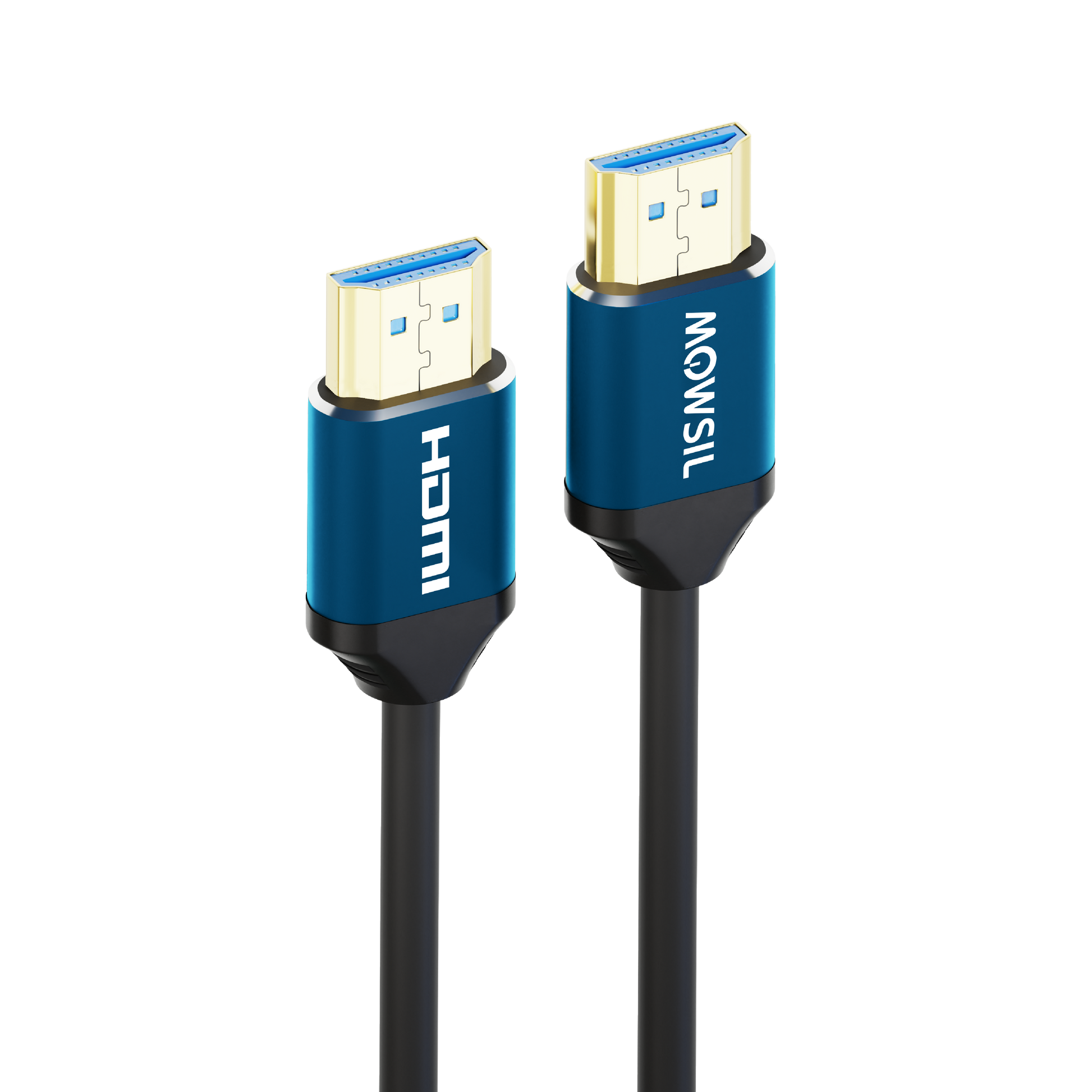
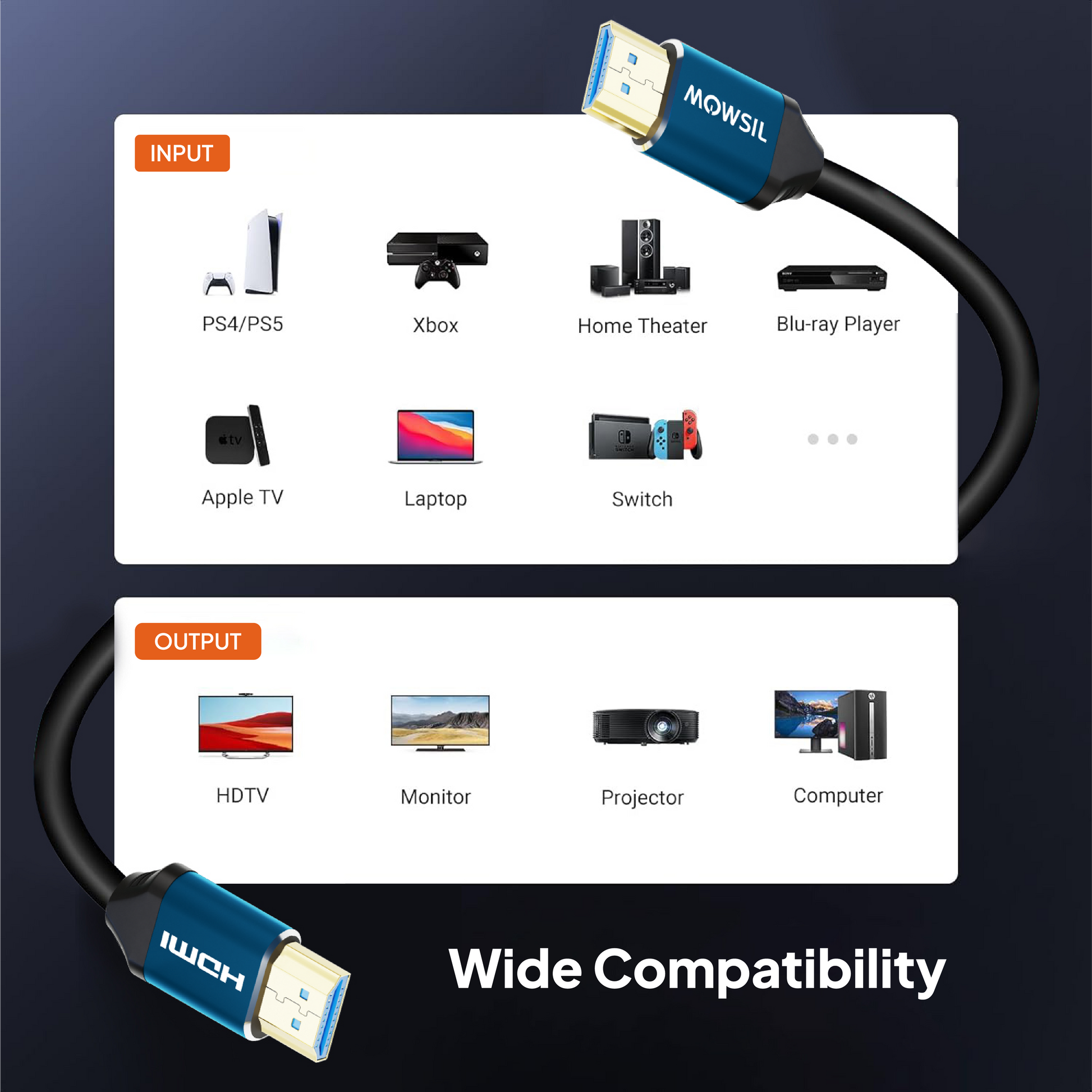
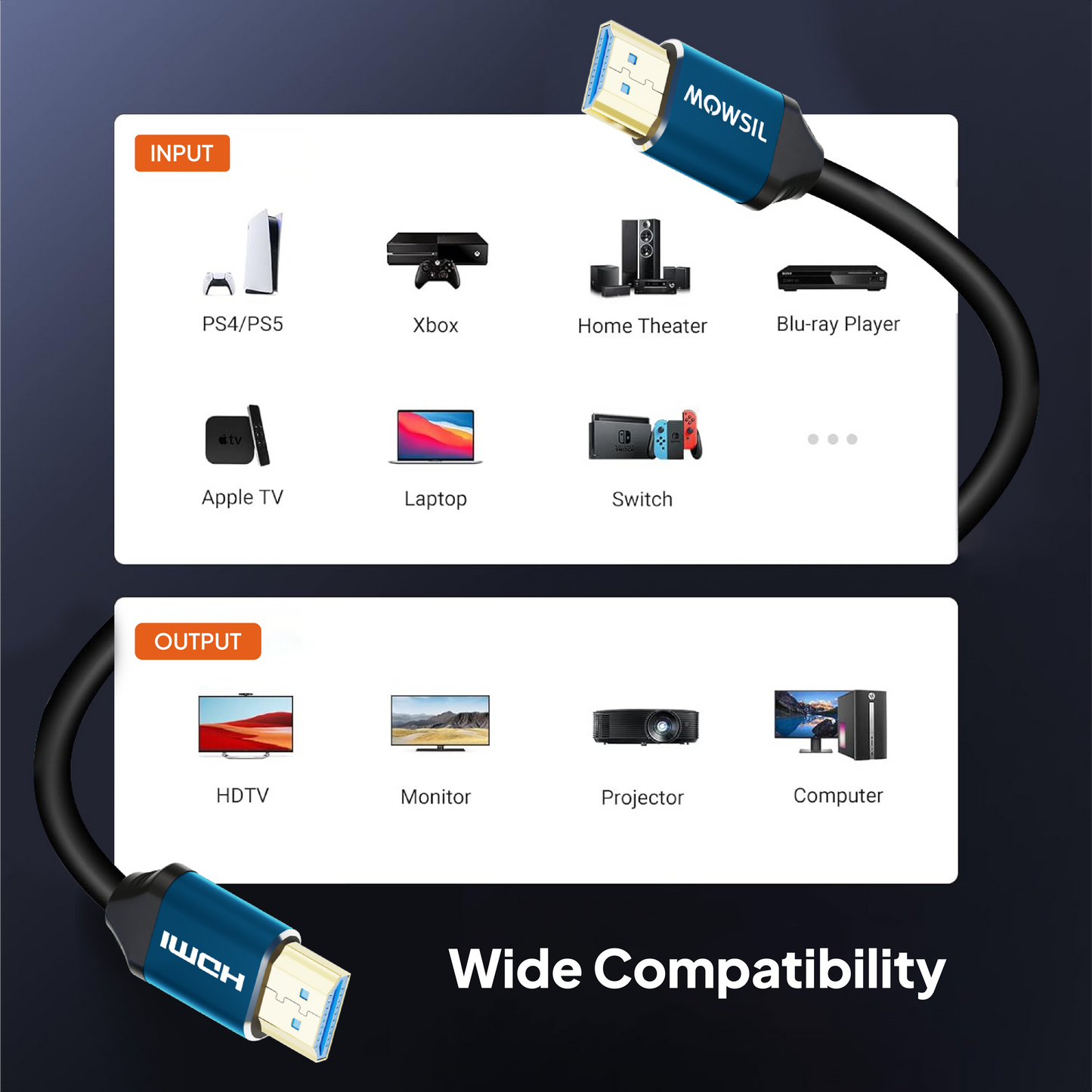
An HDMI 2.0 cable connects compatible devices such as TVs, monitors, laptops, gaming consoles, streaming devices, and projectors. It transmits digital video and audio through a single connection, making it suitable for home entertainment, gaming, and office display setups.
2. Does the MOWSIL HDMI 2.0 Cable support 4K at 60 Hz?
Yes. The MOWSIL HDMI 2.0 Cable is specified to support 4K resolution at 60 Hz. To achieve this output, the source device, display, and connection settings must also support the selected resolution and refresh rate.
3. Is the MOWSIL HDMI 2.0 Cable suitable for gaming?
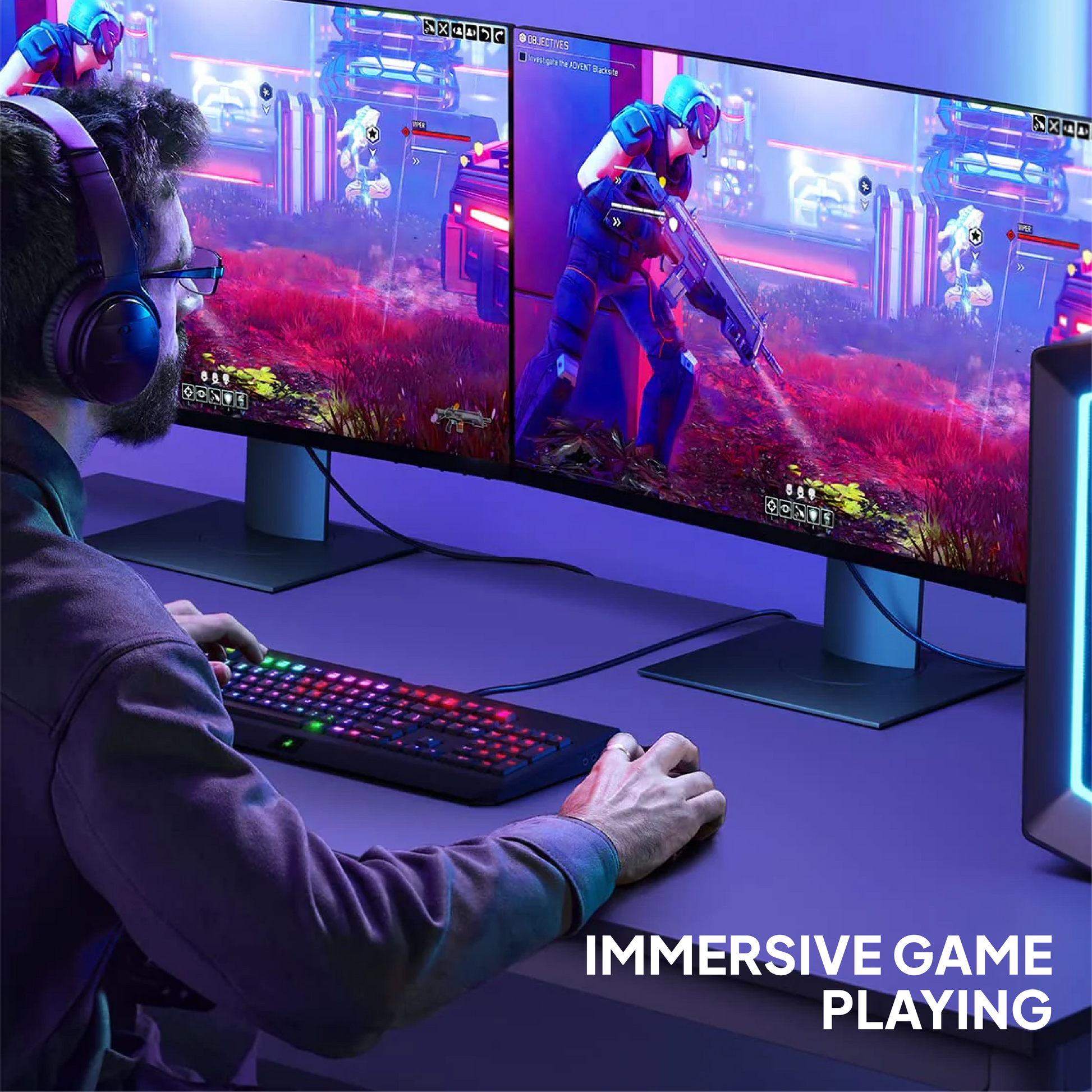
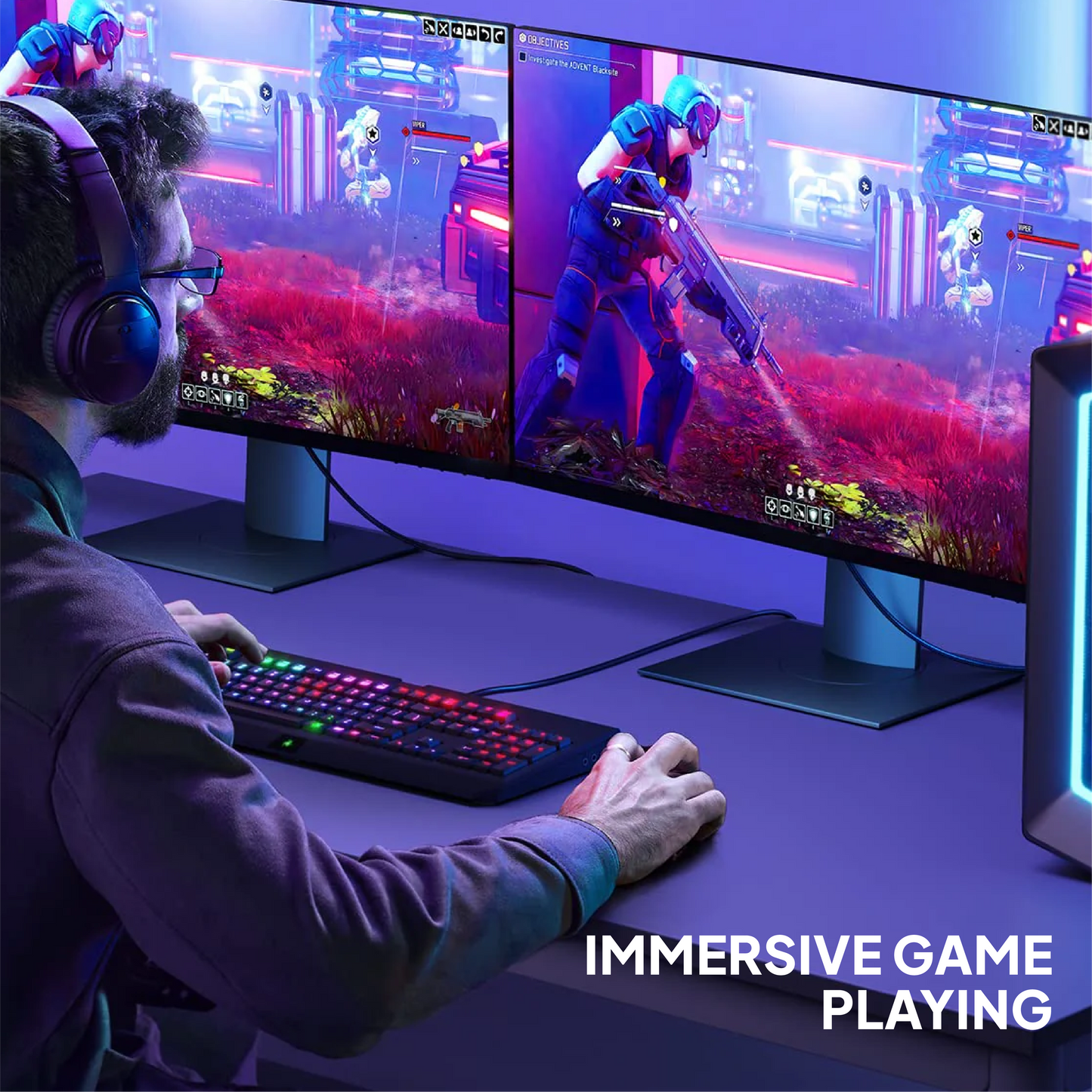
Yes. It can connect compatible gaming consoles and PCs to HDMI-equipped displays. The cable is specified to support 1080p at 240 Hz and 2K at 120 Hz. Actual gaming performance depends on the console or graphics hardware, monitor capabilities, and selected settings.
4. Can I use this HDMI cable with a PS5 or Xbox Series X/S?
Yes. The MOWSIL HDMI 2.0 Cable can connect compatible PS5 and Xbox Series X/S consoles to displays with HDMI inputs. However, the available resolution, refresh rate, and gaming features depend on the console, display, and supported connection modes.
5. Can I connect a laptop to a monitor using an HDMI 2.0 cable?
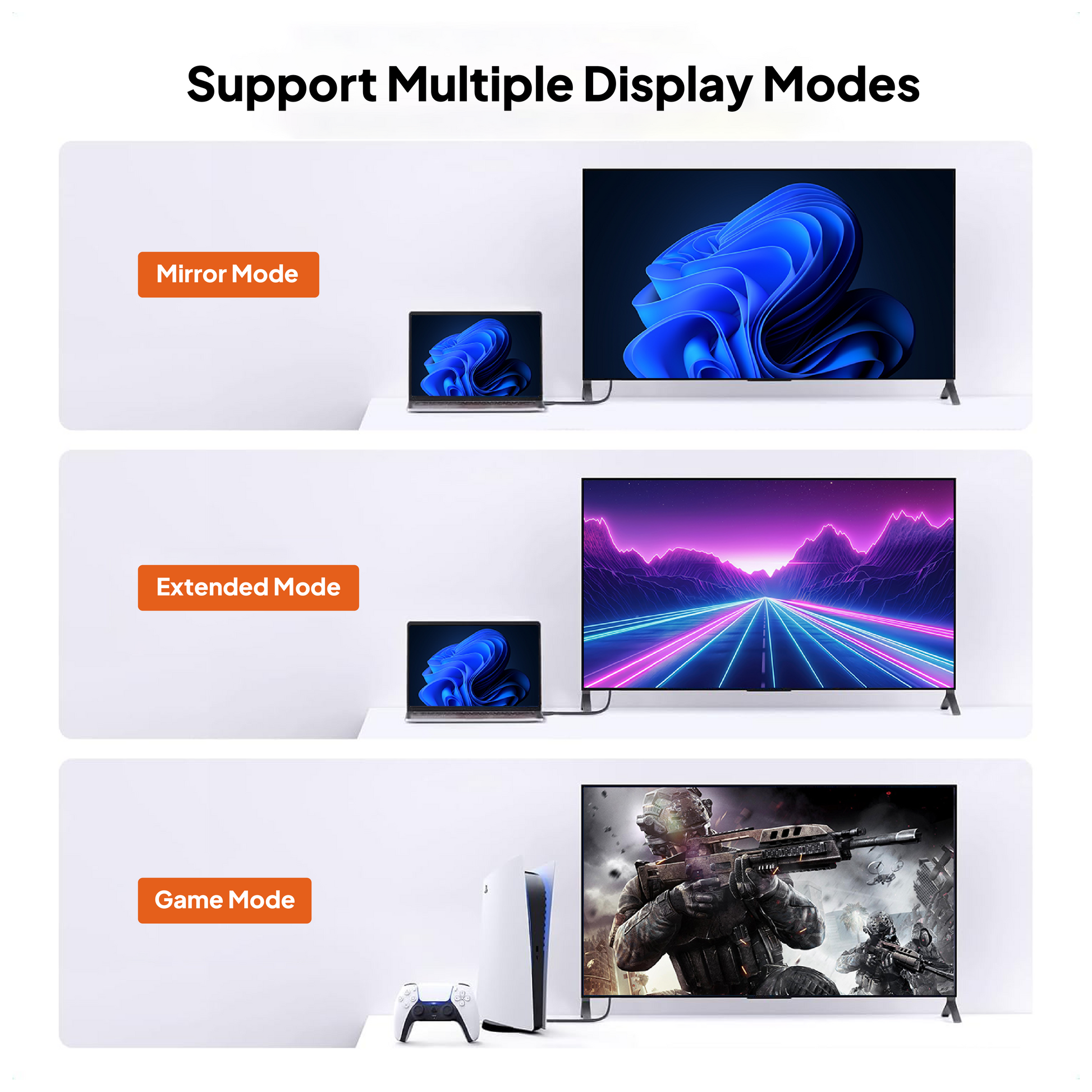
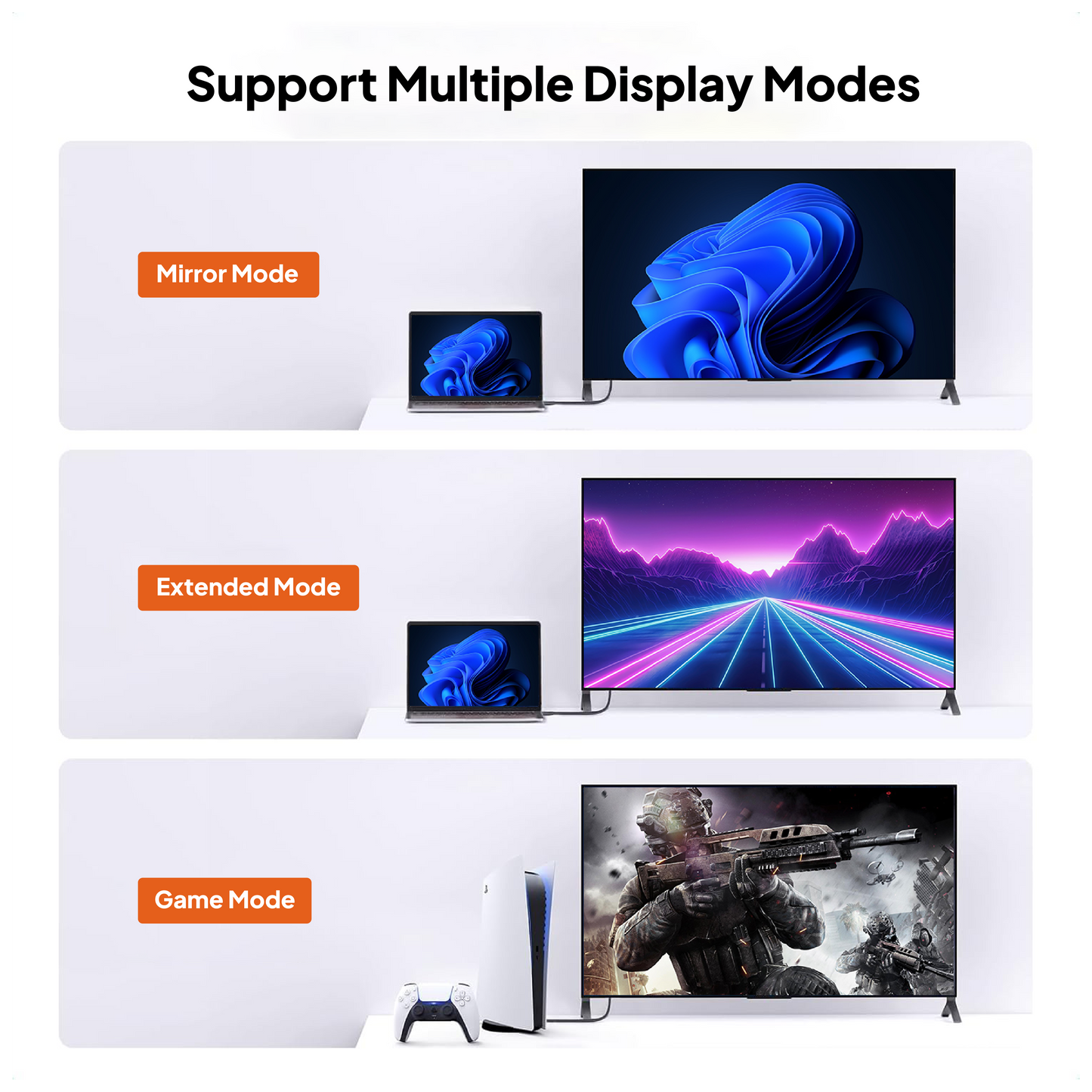
Yes. You can connect a laptop with an HDMI output to a compatible external monitor. Depending on the laptop and monitor, you can use the connection to extend your desktop or mirror your screen. The available display modes depend on the capabilities of both devices.
6. Does the MOWSIL HDMI 2.0 Cable support HDR?
The cable is specified to support HDR10, Dynamic HDR, and Dolby Vision. To use these features, the source device, display, and content must support the relevant HDR format. Availability can also depend on the selected output settings.
7. What length of HDMI cable should I choose?
Choose a length based on the distance between your source device and display, allowing room for cable routing and connector clearance. Shorter options are suitable for nearby devices, while longer options can accommodate more distant equipment. For 10 m and 15 m installations, verify performance at your intended resolution and refresh rate before permanent installation.
8. Can I use an HDMI 2.0 cable with an older HDMI device?
Generally, yes. HDMI connections support backward compatibility, allowing newer HDMI cables to work with many older HDMI-equipped devices. However, the connection will be limited by the capabilities of the devices and the supported signal modes.
9. Does an HDMI 2.0 cable transmit audio as well as video?
Yes. HDMI carries digital audio and video through the same cable. The available audio formats depend on the source device, connected display or audio equipment, and the selected audio settings.
10. Does the MOWSIL HDMI 2.0 Cable support ARC and eARC?
The product specifications list ARC and eARC support. ARC or eARC functionality requires compatible ports and supported implementations on the connected devices. Before using the cable for a TV-to-soundbar or TV-to-AV-receiver connection, verify eARC compatibility with MOWSIL for the specific cable model and length.
11. Why is my HDMI cable not displaying a picture?
If your display shows no signal, check that both connectors are securely connected and that the correct HDMI input is selected. Restarting the connected devices and checking their resolution and refresh-rate settings may also help. For longer cable runs, test the connection at a lower display setting to help identify a possible signal issue.
12. Does the MOWSIL HDMI 2.0 Cable come with a warranty?
Yes. The product page lists a 24-month warranty, a 30-day money-back policy, and return and exchange options. Check MOWSIL's applicable terms and conditions for coverage, eligibility, and return requirements.