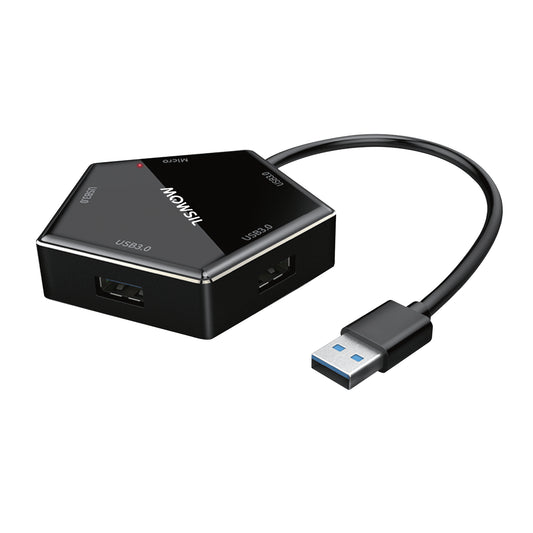
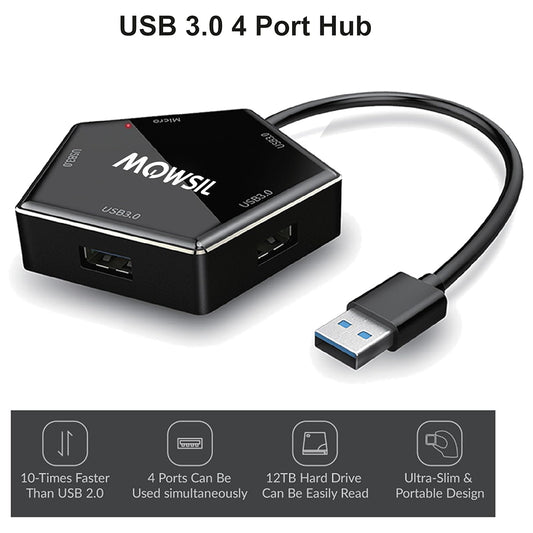
MOWSIL USB Hubs – Making Your Device Do More in Saudi Arabia
Most laptops today come with fewer ports than people actually need. You plug in a mouse, then a storage drive, then maybe a keyboard or a monitor and suddenly you are out of ports. That’s where a USB hub becomes something you actually depend on, not just an accessory.
MOWSIL USB hubs are designed for exactly this situation. They give you the ability to connect multiple devices through a single port without constantly unplugging and switching things around. If you are planning to get USB hubs in Saudi Arabia, it makes sense to choose something that works smoothly with your setup rather than adding more frustration.
Built for How People Actually Use Their Devices
In real setups, people are not just connecting one thing at a time. There is usually a mix of devices working together external drives, keyboards, displays, internet connections and more.
MOWSIL USB hubs are built to handle this kind of usage. Instead of acting like a simple splitter, they manage multiple connections in a way that keeps everything working together without interruptions. You don’t need to think about it once it’s connected, which is exactly how it should be.
What Makes These Hubs Worth Using
A USB hub might look simple, but the difference shows up when you rely on it daily.
- Ports hold connections firmly without becoming loose
- Data transfer remains steady even when multiple devices are connected
- The hub doesn’t overheat or slow down during extended use
- It handles both basic accessories and more demanding connections
These are the things that actually matter when your setup depends on multiple devices working at the same time.
Key Features That Make a Real Difference
✔ Connect multiple devices through a single USB port
✔ Selected models support display output for external screens
✔ Options available with wired internet connectivity
✔ Handles file transfers and device connections without lag
✔ Compact design that fits easily into desk setups or bags
✔ Works instantly without installation or configuration
Different Types of USB Hubs and Where They Fit
Not every setup needs the same kind of hub. Choosing the right one depends on how you use your devices.
Standard USB Hubs
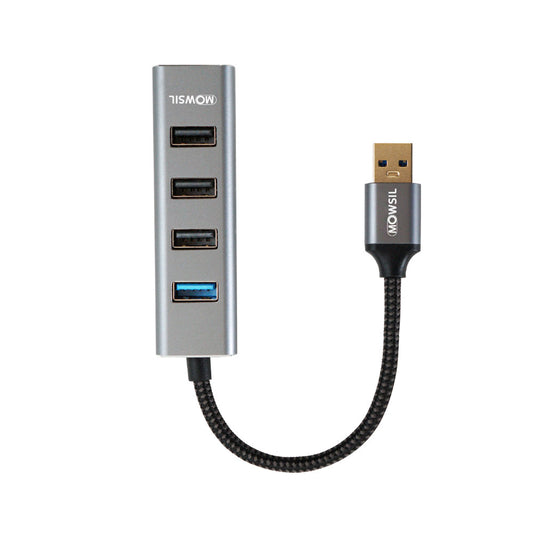
These are used when you simply need more ports for everyday devices.
Perfect for connecting keyboards, flash drives, or basic accessories.
USB Hubs with Ethernet
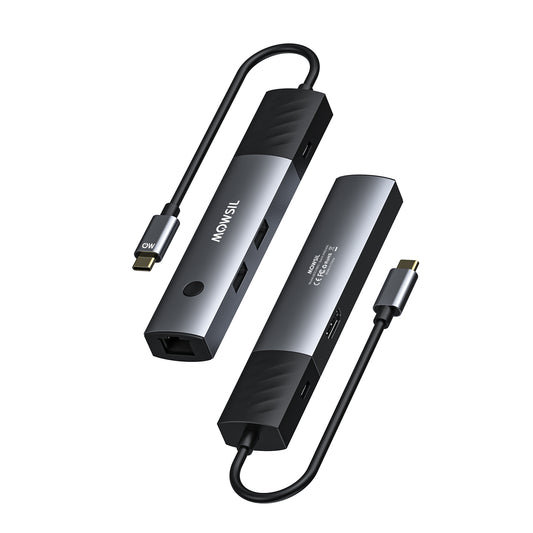
These add a wired internet option along with extra ports.
Useful in situations where Wi-Fi is unstable or not preferred.
Hubs with Display Support
Some hubs allow you to connect your laptop to an external screen while also using other ports.
Helpful for work setups where a larger display is needed.
Multi-Function Hubs
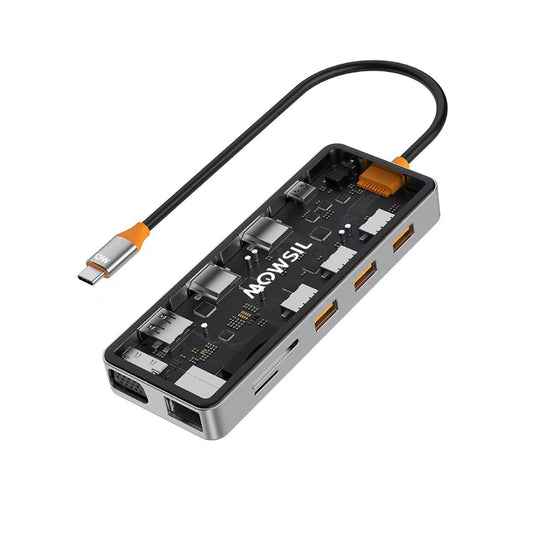
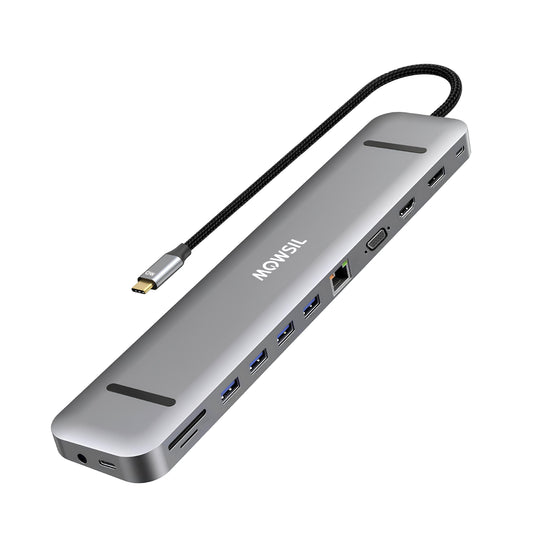
These combine multiple features into one device ports, display output, and network connectivity.
A good option when you want everything connected through a single hub.
How to Choose the Right USB Hub Without Confusion
It doesn’t have to be complicated if you focus on your actual needs.
Count your devices
Think about how many things you usually connect at the same time.
Check if you need a display connection
If you use an external monitor, pick a hub that supports it.
Consider internet needs
If you prefer a stable wired connection, go for a hub with Ethernet.
Look at your workspace
If you move around often, a compact hub makes more sense. For fixed setups, larger hubs are fine.
Getting this right saves you from buying something you won’t fully use.
Where MOWSIL USB Hubs Fit Naturally
These hubs are not limited to one type of user. They fit into different environments depending on how devices are used.
Office and Workstations
Managing multiple devices becomes easier when everything connects through one hub instead of separate ports.
Home Setups
From connecting a laptop to accessories to setting up a cleaner desk, hubs help reduce clutter.
Creative Workspaces
People working with storage drives, input devices, and displays need stable connections that don’t drop unexpectedly.
Travel and Flexible Work
A portable hub makes it easier to work from different locations without worrying about missing ports.
Why MOWSIL USB Hubs Make Practical Sense
At the end of the day, a USB hub should just make things easier.
- Consistent performance even with multiple devices connected
- Solid construction that holds up with regular use
- Simple functionality without unnecessary features
- Easy to find when looking for USB hubs in Saudi Arabia with convenient delivery
It’s not about adding more features. It’s about making sure the basic function works properly every time.
Explore MOWSIL USB Hubs in Saudi Arabia
If you are looking for USB hubs in Saudi Arabia, MOWSIL offers options that focus on real usage expanding your connectivity without making things complicated.
Whether you are setting up a workspace or just need more ports for everyday use, these hubs help your devices work together without constant adjustments.
Frequently Asked Questions
1. What is a USB hub used for?
A USB hub expands a single USB port into multiple ports, allowing you to connect several devices at once.
2. Can USB hubs support multiple devices simultaneously?
Yes, USB hubs are designed to handle multiple connected devices such as keyboards, drives, and accessories at the same time.
3. Do USB hubs support 4K display output?
Some USB hubs support 4K display output, depending on the model and compatibility with your device.
4. What is a USB hub with Ethernet used for?
A USB hub with Ethernet allows you to connect your device to a wired internet connection while also using additional USB ports.
5. Are USB hubs easy to use?
Yes, most USB hubs are plug-and-play and do not require additional setup or software.
6. Can I use a USB hub with a laptop?
Yes, USB hubs are commonly used with laptops to expand available ports and connect multiple peripherals.
7. Do USB hubs affect data transfer speed?
Data transfer speed depends on the hub specifications and connected devices. Using a high-speed hub ensures better performance.
8. Can USB hubs be used for office setups?
Yes, they are widely used in office environments to connect multiple devices efficiently.
9. Are USB hubs suitable for gaming setups?
Yes, USB hubs can be used to connect gaming peripherals such as controllers, keyboards, and external storage.
10. Can I connect external hard drives using a USB hub?
Yes, USB hubs support external drives, but performance depends on the hub’s power and data capabilities.
11. Do USB hubs require external power?
Some hubs are powered directly through the device, while others may require external power for high-demand setups.
12. How do I choose the right USB hub?
Choose based on the number of ports, required features like display or Ethernet support, and your overall setup needs.