



It's common these days to want to connect more than one screen, like a projector and a TV, to the same media source, like a gaming console, a streaming device, or a cable box. It's definitely appealing to think about having both a projector and a TV on at the same time, especially if you want to make different parts of your home more exciting to watch.
But how do you get it done? A splitter or a switcher can help you set up a system where both your projector and TV show the same content from one source. These two devices may sound alike, but they do different things. Knowing the differences between them is important for getting the setup you want.
We'll talk about the differences between a splitter and a switcher in this blog. We'll also help you figure out which one you need to connect your TV and projector to one source. If you want to make your living room, media room, or office a great place to watch TV, keep reading for all the information you need.
What is a splitter?
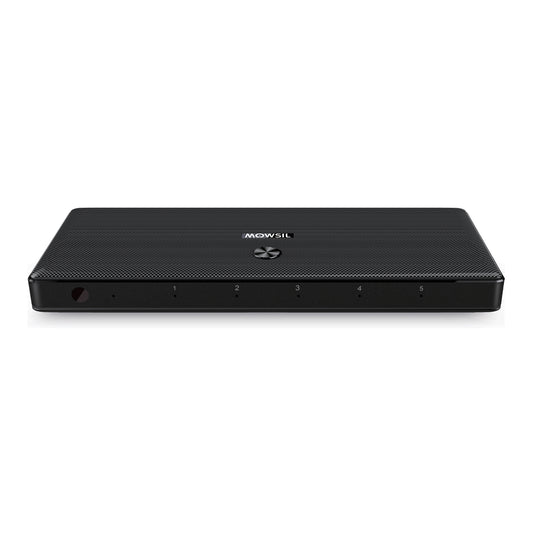
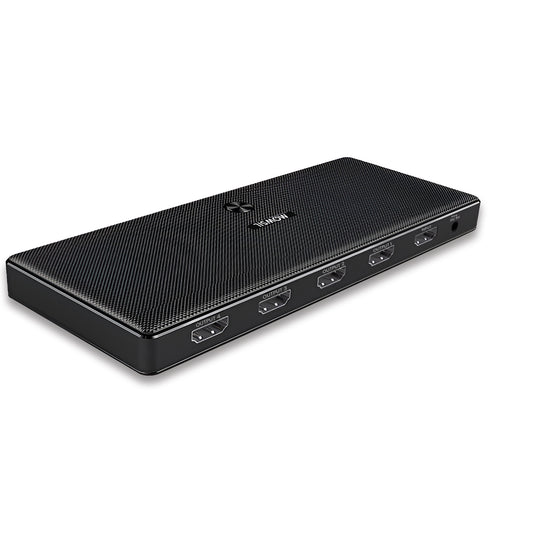
A splitter is a tool that splits one audio or video source into two or more outputs. It "splits" the signal, sending the same copies to many devices. This is great if you want to show the same thing on more than one screen, like a TV and a projector. Splitters take the signal from one device and send it to all the displays.
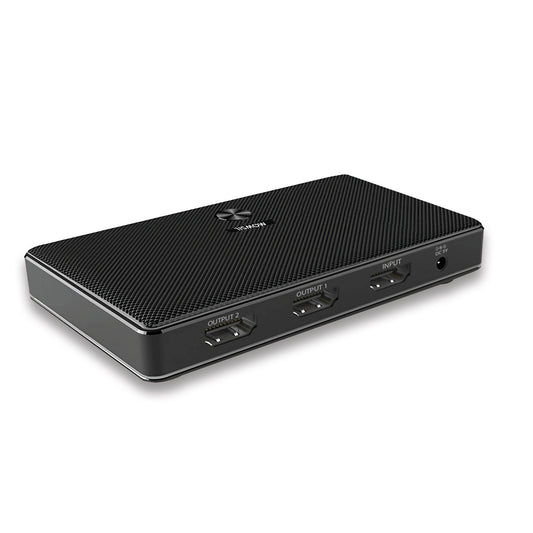
A splitter will send the same signal to both your TV and projector if your laptop, Blu-ray player, or gaming console only has one HDMI output. You just need to plug your source device into the splitter. After that, the splitter will send the signal to both the TV and the projector.
Different kinds of splitters
The most common type of splitter is the HDMI splitter. It can send HDMI signals to both your TV and projector at the same time.
VGA or DVI Splitter: These are for older devices that use VGA or DVI outputs. They are not as common now that HDMI is the standard.
What does a switcher do?
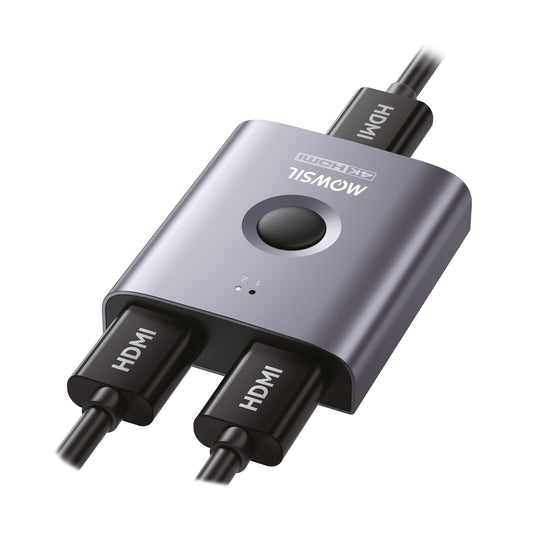
A switcher, on the other hand, is very different. A switcher lets you choose between multiple input sources and send one output to a device. It doesn't split one signal into multiple outputs. This means that it can take several input signals and let you choose which one to show on one screen at a time.
A switcher lets you choose which device's signal you want to send to the display. For example, if you have a gaming console, a DVD player, and a streaming device all connected to the same TV or projector, you can use a switcher to do this. It doesn't send out the same signals twice; it just sends one source to the output display at a time.
A switcher can help you switch between a projector and a TV if you have both. You could use a switcher to choose between the TV and the projector as the output source, depending on which one you want to watch at the time.
Different kinds of switchers
-
HDMI Switcher: These let you connect multiple HDMI input devices (like Blu-ray players, gaming consoles, and streaming boxes) to one display.
-
AV Switcher: These are used with older AV parts, like RCA or composite video systems.
What is the difference between a splitter and a switcher?
Both splitters and switchers help control video signals, but they do so in very different ways:
-
Function: A splitter copies one source to many devices. A switcher lets you choose one source from many and send it to a display.
-
Example: You can use a splitter to show the same video on more than one screen at the same time. If you want to switch between different sources on one screen, a switcher is helpful.
-
Control: A splitter sends the same video and audio to all outputs. You can use a switcher to choose which device's content goes to the output device.
It's important to know the difference between these two things in order to choose the right device for your setup. A splitter is the best option if you want to show the same thing on both your TV and projector. You need a switcher if you want to switch between two devices, like a TV and a projector, and only show content on one at a time.
How to Use a Splitter to Connect a Projector and TV to One Source
An HDMI splitter is what you need if you want to show the same thing on both a projector and a TV. Follow these easy steps to set this up:
-
Choose Your Splitter: An HDMI splitter is what most modern setups need. If you have a 4K TV or projector, for example, look for one that can handle 4K resolution and frame rates. Some HDMI splitters can send signals to more than one screen, like two or more TVs or projectors.
-
Connect Your Source: Use the HDMI splitter's input port to connect your source device, such as a gaming console, Blu-ray player, or streaming device.
-
Connect Your TV and Projector: Use two HDMI cables to connect one to the output of the splitter and the other to your TV. Connect the second HDMI cable from the splitter to the projector.
-
Power On Devices: Turn on the TV, projector, and source device. Now, both the TV and the projector should show the same thing.
-
Change Settings if Necessary: Depending on the model of your splitter, you may need to change the settings on your TV or projector to match the output resolution of the source device. Make sure the splitter can handle the resolution you want to use.
With this setup, both the TV and the projector will show the same video at the same time.
Using a switcher, you can connect a projector and a TV to the same source.
An HDMI switcher is the best way to switch between a projector and a TV using the same source.
This is how to set it up:
-
Choose Your Switcher: Pick an HDMI switcher that has enough input ports for all of your devices. If you have two sources, like a gaming console and a streaming device, for example, make sure your switcher has two HDMI inputs.
-
Connect Your Source Devices: Use the HDMI input ports on the switcher to connect your devices, like a gaming console or Blu-ray player.
To connect the switcher to your TV and projector, use an HDMI cable to connect the switcher's output port to your TV. After that, use a second HDMI cable to connect the switcher to your projector.
-
Switch Between Devices: Use the switcher's remote or buttons to choose which source you want to show on your TV or projector. You can switch between the two devices whenever you want.
If you need to, change the settings. Make sure the switcher can handle the right resolutions for both your TV and projector. To get the best picture quality, some projectors and TVs may need to be set up in a certain way.
In this case, you won't be able to see content on both devices at the same time, but you can easily switch between them whenever you want.
What Device Should You Use?
The type of device you choose depends on how you plan to use your TV and projector:
If you want to show the same thing on both devices at the same time, like when you're streaming a movie and want it to be on both your TV and projector, use a splitter.
If you want to switch between two displays and choose whether to show content on the TV or the projector at any given time, use a Switcher.
Mowsil: Your Partner in Home Entertainment
We know that setting up your home entertainment system can be hard at Mowsil. We're here to help you connect a projector and TV, manage multiple devices, or upgrade your whole media centre. We have a wide selection of high-quality splitters, switchers, and other home entertainment devices to help you get the most out of your tech setup.
Mowsil has the products and knowledge to help you choose the best setup for your space or to help you get started with a more advanced home theatre system.
In conclusion
If you connect a projector and TV to the same source, it can change the way you watch TV at home. It's important to know the differences between a splitter and a switcher so that you can set up your devices without any problems. A splitter will show the same content on both devices, while a switcher will let you switch between them. We at Mowsil are dedicated to giving you the tools and advice you need to make your home the best place to watch TV.